This article explains how to build a Docker image automatically using github with the docker hub.
This article is based on the existing documentation on the docker hub site for automated builds.
The previous articles about Docker are:
-
Starting Django with docker using docker-compose with postgresql as a microservice.
-
Creating a continuous Integration and Deployment environment with Docker for node.js.
-
Setting up a Platform as a Service (PaaS) with Dokku (docker).
-
Provisioning a cluster with docker swarm and docker-machine.
-
Installing Jenkins through Docker and creating a Jenkins Docker image
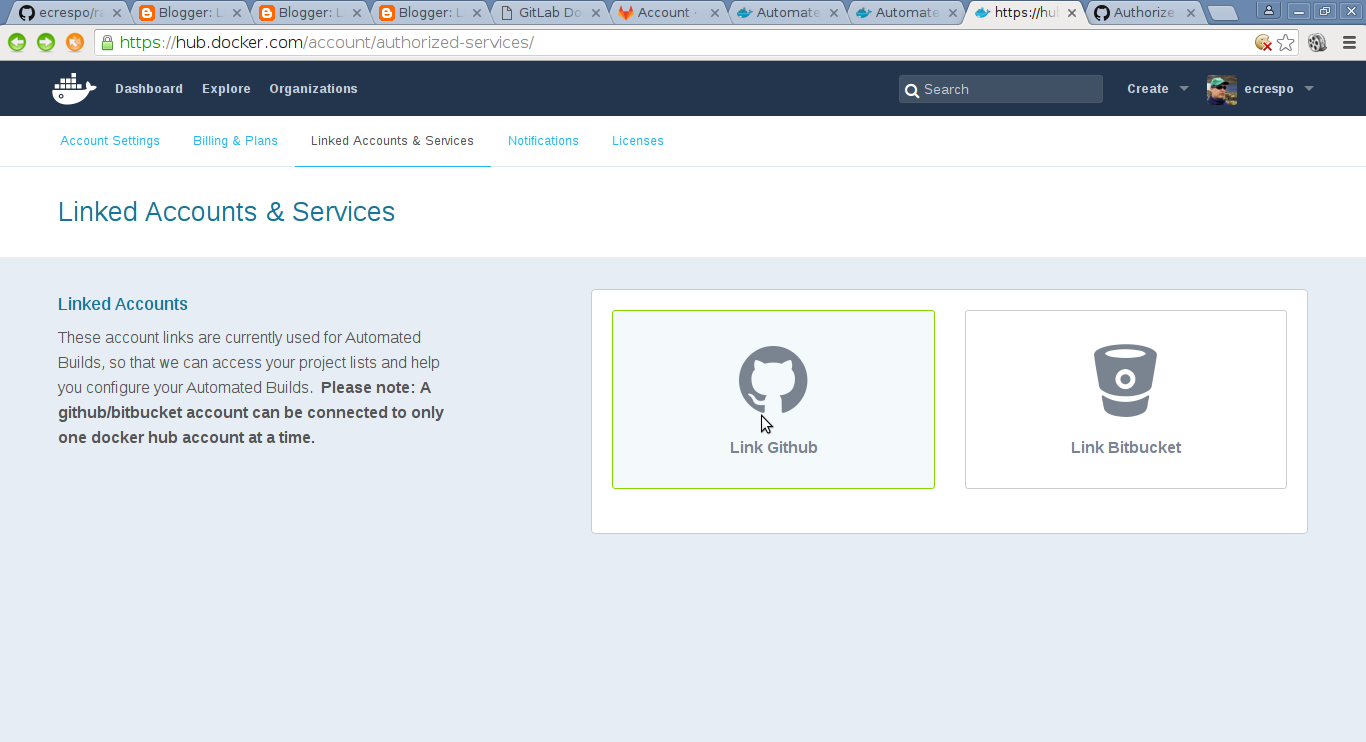
The first thing to do is go to your account on docker hub, click on linked accounts and services, and there select github, as the figure shows:
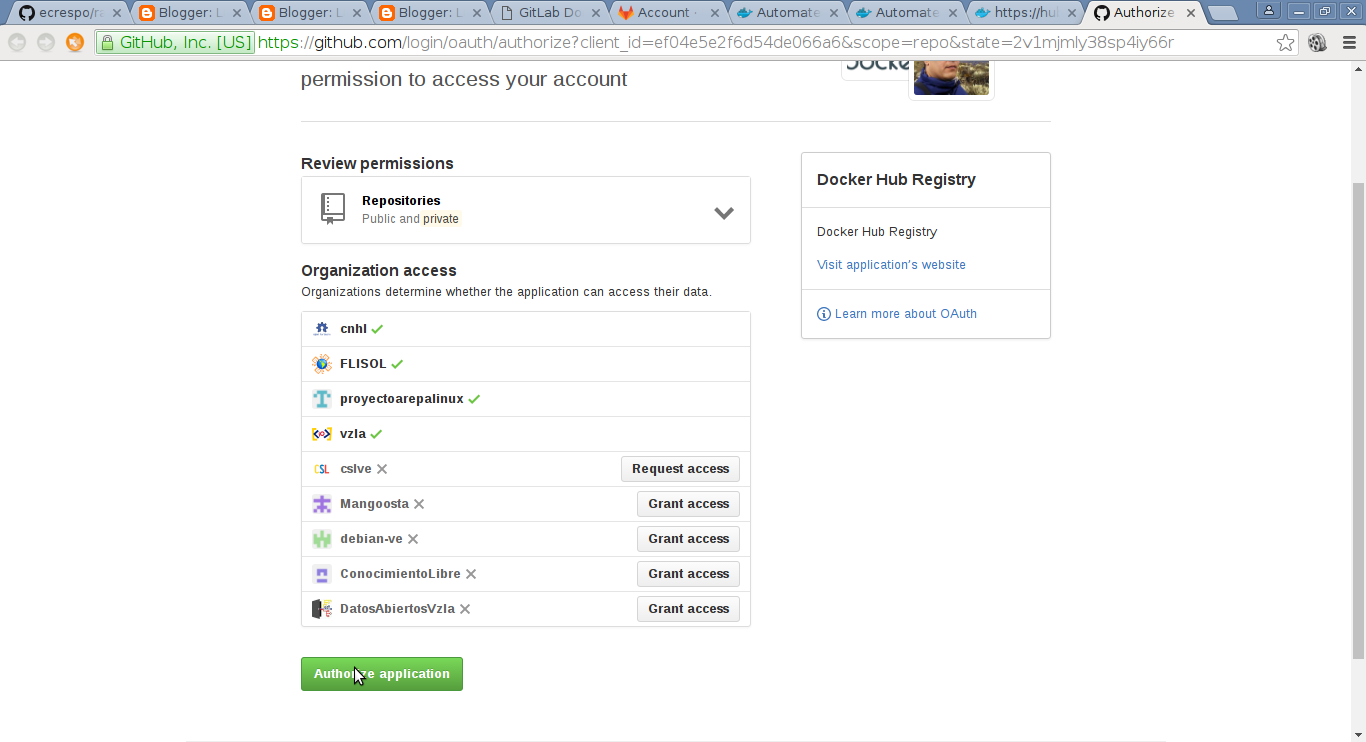
Selecting github takes you to the part of the github account where you grant permissions:
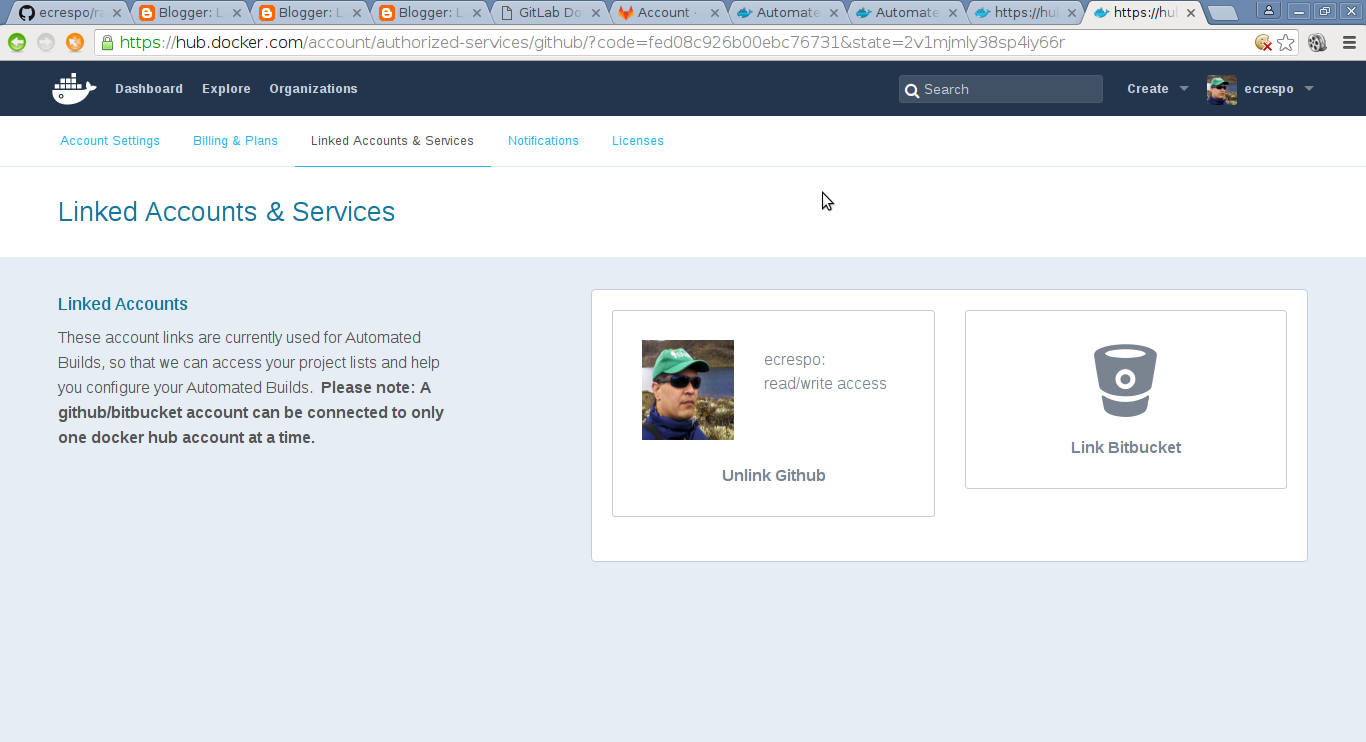
After accepting, the linked account will appear:
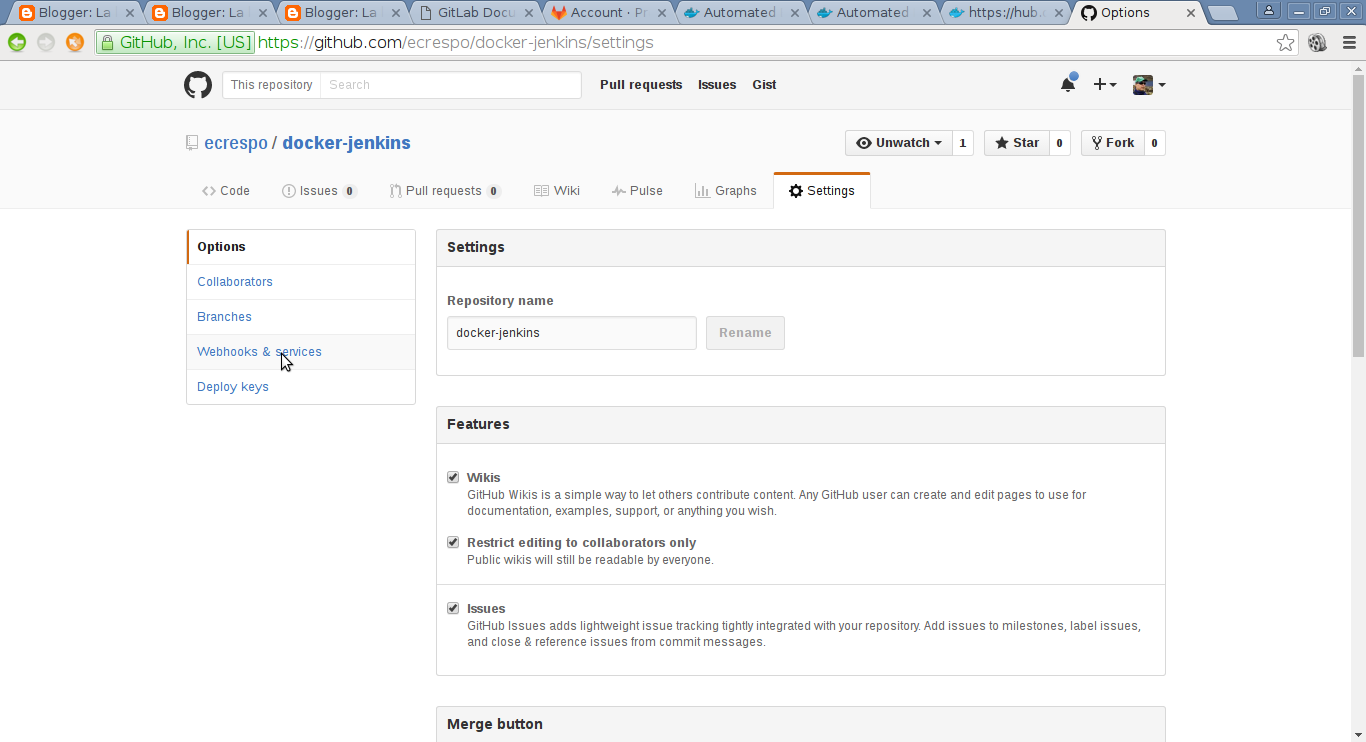
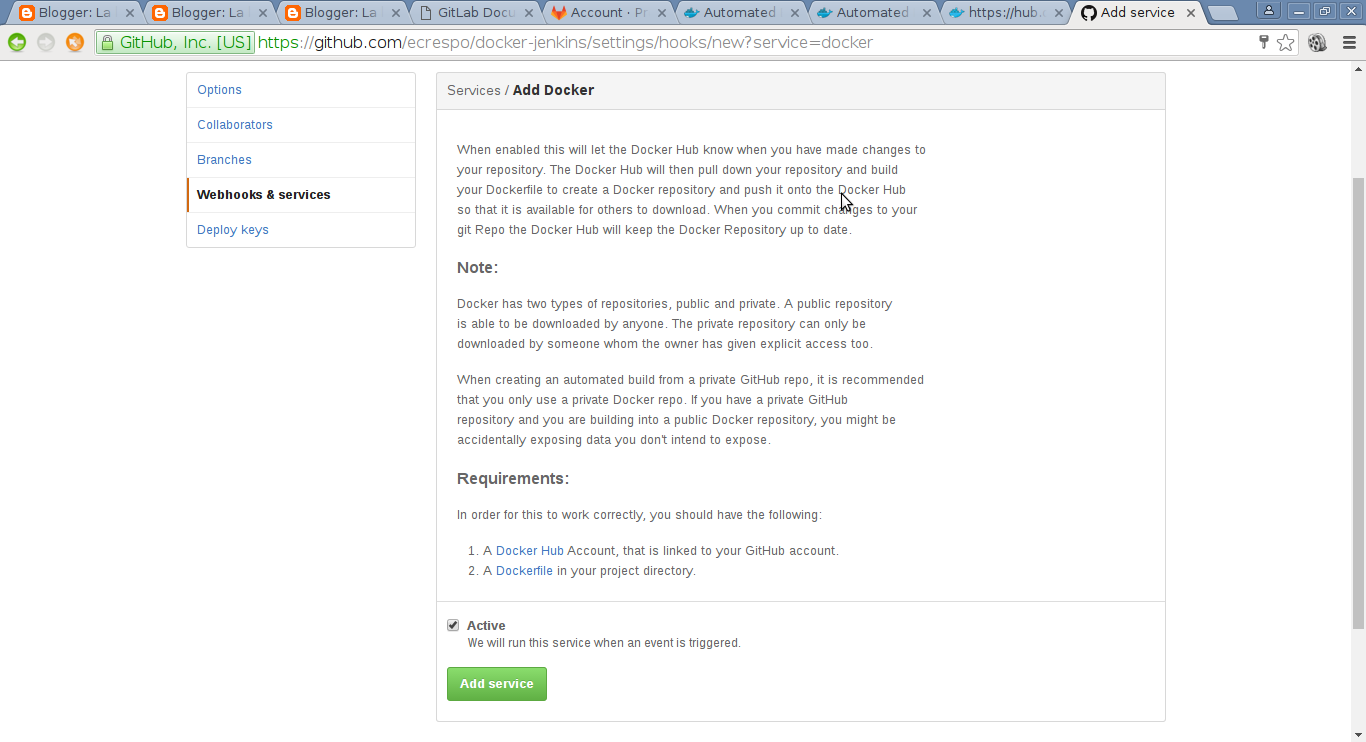
Now, in github, go to the settings of the repository you want to link, to the webhooks and services section as the figure shows:
Add the Docker service:
Test the service:
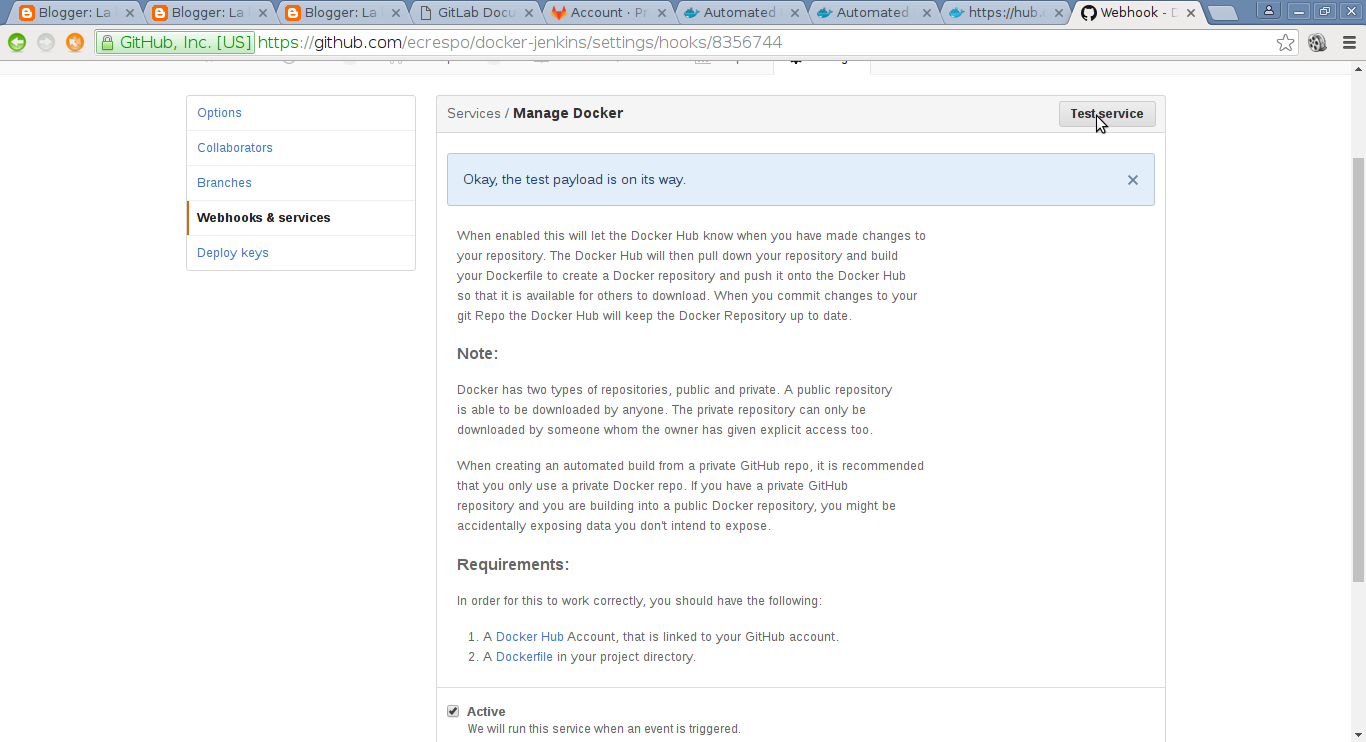
As can be seen, the configuration passes the test.
From now on, every time a git push is made to github, docker hub takes care of updating the image.
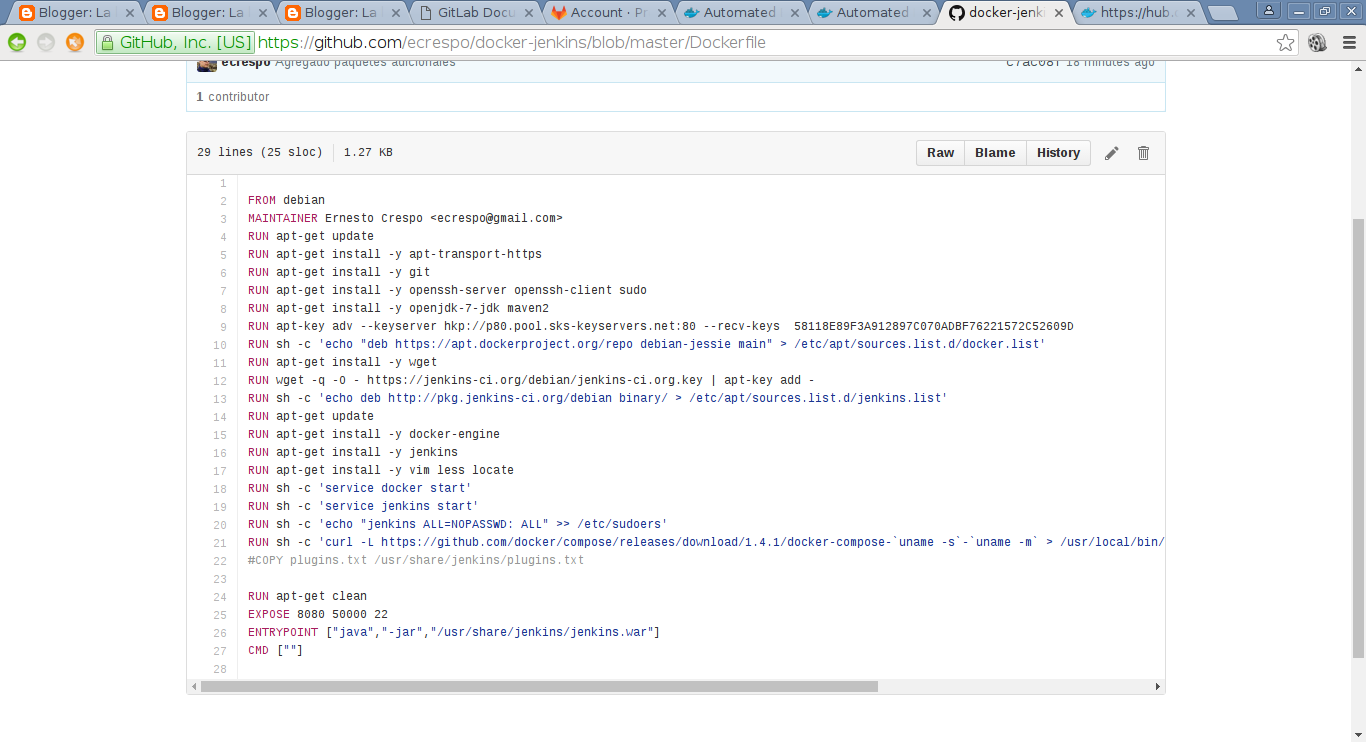
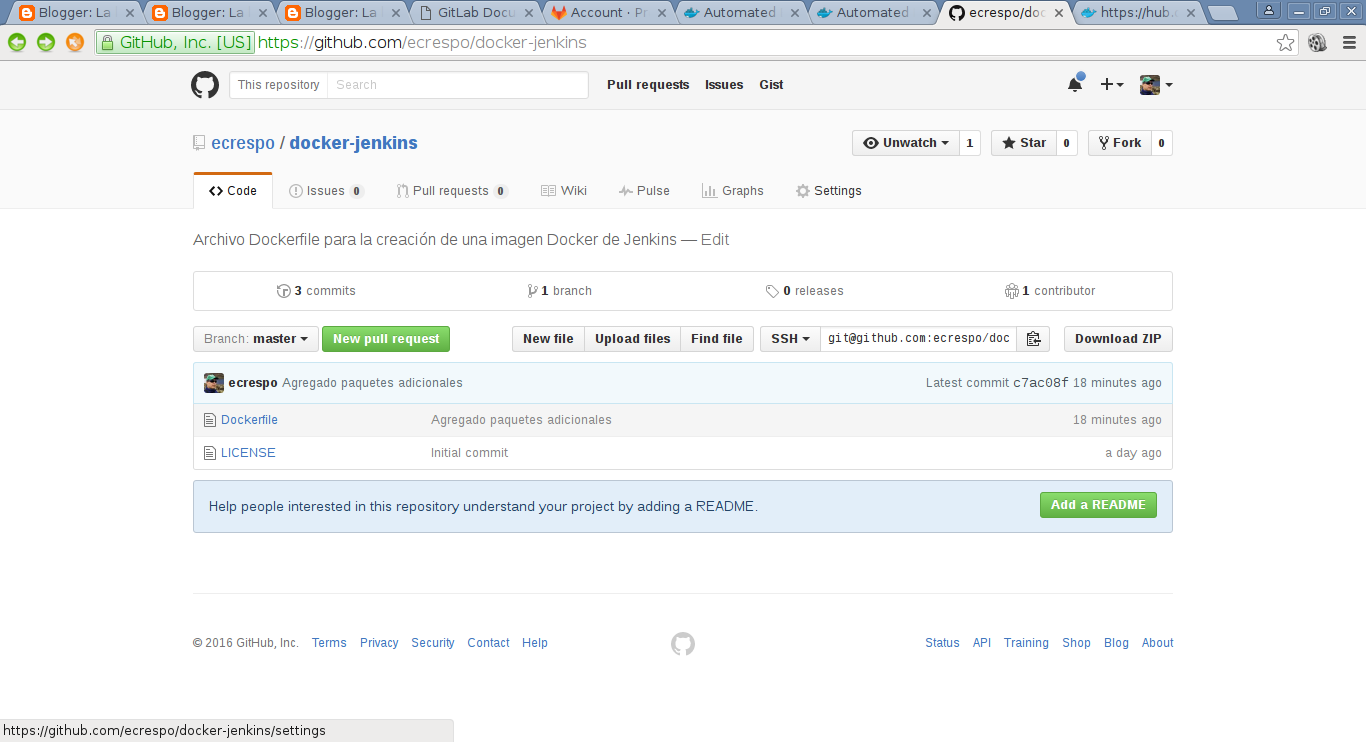
To finish, the content of the jenkins Dockerfile and the content of the updated github repository are shown:
Make a donation! If you liked the article you can make a donation with Bitcoin (BTC) using the digital wallet of your choice to the following address: 17MtNybhdkA9GV3UNS6BTwPcuhjXoPrSzV
Or by scanning the QR code from your wallet:
