Docker-machine is used for Windows or MACOSX machines, or for machines where docker (engine) cannot be installed. It is used as a client for a docker server.
This article is based on the official English documentation found at the following link, and on the following tutorial.
The previous articles about docker are:
-
Starting Django with docker using docker-compose with postgresql as a microservice.
-
Create a Continuous Integration and Deployment environment with Docker for node.js.
To try out docker-machine, there is a virtual machine with IP 192.168.1.102 that has some docker images, and a machine where docker-machine will be installed (which will be my local machine).
On the machine, docker-machine is installed as follows:
#curl -L https://github.com/docker/machine/releases/download/v0.4.0/docker-machine_linux-amd64 > /usr/local/bin/docker-machine

#chmod a+x  /usr/local/bin/docker-machine
To test that it works, run the docker-machine version command:
#docker-machine -v
docker-machine version 0.4.0 (9d0dc7a)
Create a docker-machine on virtualbox:
$ docker-machine create --driver virtualbox testIn this case a docker container is created that connects to virtualbox, named test.
The output of the previous command is shown below:

As the image shows, the docker test is created and an iso image called boot2docker is downloaded.
The following image shows virtualbox with the test virtual machine:
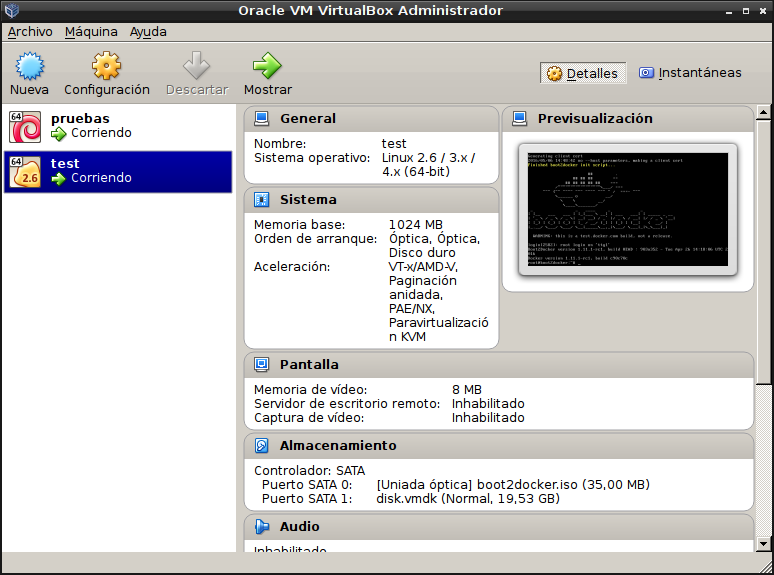
Accessing the virtual machine from virtualbox gives the following:
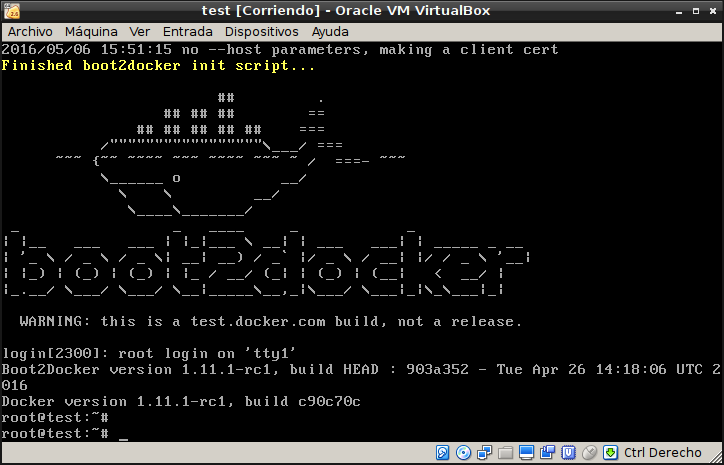
To see how it connects to the machine, run the following command:
$docker-machine env test
export DOCKER_TLS_VERIFY="1"
export DOCKER_HOST="tcp://192.168.99.100:2376"
export DOCKER_CERT_PATH="/home/ernesto/.docker/machine/machines/test"
export DOCKER_MACHINE_NAME="test"
## Run this command to configure your shell:
## eval "$(docker-machine env test)"
To configure the shell, run the following command:
eval "$(docker-machine env test)"To list the machines, run the following command:
docker-machine ls
NAME   ACTIVE   DRIVER       STATE     URL                         SWARM
test   *        virtualbox   Running   tcp://192.168.99.100:2376
To see the IP that test is using, run:
$ docker-machine ip test
192.168.99.100
Run an nginx server on port 8000 in a container:
docker run -d -p 8000:80 nginxTo see the server, run the following command:
curl $(docker-machine ip test):8000And the result is:
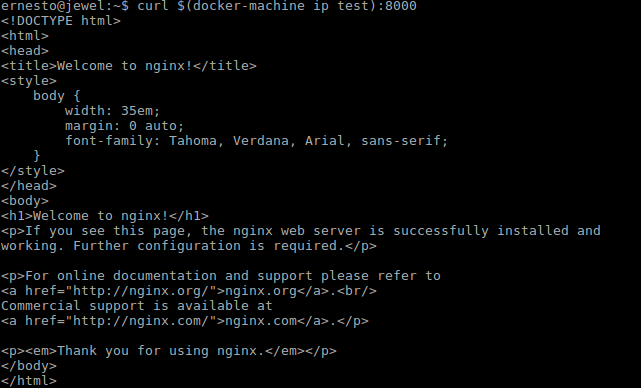
Finally, the docker-machine is stopped and removed:
$docker-machine stop test
$ernesto@jewel:~$ docker-machine rm test
Successfully removed test
Make a donation! If you liked the article you can make a donation with Bitcoin (BTC) using the digital wallet of your choice to the following address: 17MtNybhdkA9GV3UNS6BTwPcuhjXoPrSzV
Or by scanning the QR code from the wallet:
