You can use docker-machine to provision a cluster with docker swarm.
This article is based on the following articles in English:
The previous articles about Docker are:
-
Starting Django with docker using docker-compose with postgresql as a microservice.
-
Creating a Continuous Integration and Deployment environment with Docker for node.js.
-
Setting up a Platform as a Service (PaaS) with Dokku (docker).
This article will use commands already explained in the article about "Using docker-machine".
In the previous article virtualbox was used and it will continue to be used, but cloud services or a local host can also be used (the supported drivers (broken link)): amazon web services, Microsoft Azure, Digital Ocean, Exoscale, Google Compute Engine, Generic, OpenStack among others.
Create a host (virtualbox) to generate the swarm token:
docker-machine create -d virtualbox localTo configure the shell to access local, run:
eval "$(docker-machine env local)"Each swarm host has a token installed within the engine configuration. To create the token, the swarm image is created:
docker run swarm create
Unable to find image 'swarm:latest' locally
latest: Pulling from library/swarm

eada7ab697d2: Pull complete
afaf40cb2366: Pull complete
7495da266907: Pull complete
a3ed95caeb02: Pull complete
Digest: sha256:12e3f7bdb86682733adf5351543487f581e1ccede5d85e1d5e0a7a62dcc88116
Status: Downloaded newer image for swarm:latest
99cd781ad7e0f3682747d94edff87f49
The token is the output shown underlined.
Creating the cluster nodes:
All the nodes of a cluster must have the engine installed; with the cluster token you can provision a host with the engine and configure it as a swarm node.
To create a swarm node manager, run the following command:
docker-machine create -d virtualbox --swarm --swarm-master --swarm-discovery token://99cd781ad7e0f3682747d94edff87f49 swarm-managerTo see the variables and then configure the shell:
docker-machine env swarm-manager
export DOCKER_TLS_VERIFY="1"
export DOCKER_HOST="tcp://192.168.99.101:2376"
export DOCKER_CERT_PATH="/home/ernesto/.docker/machine/machines/swarm-manager"
export DOCKER_MACHINE_NAME="swarm-manager"
# Run this command to configure your shell:
# eval "$(docker-machine env swarm-manager)"


eval "$(docker-machine env swarm-manager)"
Now the first node, nodo-01, is created, passing it the token as well:
docker-machine create -d virtualbox --swarm --swarm-discovery token://99cd781ad7e0f3682747d94edff87f49 nodo-01And a nodo-02:
docker-machine create -d virtualbox --swarm --swarm-discovery token://99cd781ad7e0f3682747d94edff87f49 nodo-02Connecting the nodes to the machine:
To connect the host environment with the machine, the eval command is used with the env option of docker-machine, something like this:
eval "$(docker-machine env local)"In this case docker-machine provides a --swarm option to connect the swarm nodes:
docker-machine env --swarm swarm-manager
export DOCKER_TLS_VERIFY="1"
export DOCKER_HOST="tcp://192.168.99.101:3376"
export DOCKER_CERT_PATH="/home/ernesto/.docker/machine/machines/swarm-manager"
export DOCKER_MACHINE_NAME="swarm-manager"
# Run this command to configure your shell:
# eval "$(docker-machine env swarm-manager)"
To connect to the swarm node called swarm-manager, run:
eval "$(docker-machine env swarm-manager)"Now you can run docker info to interact with the nodes:
$docker info
Containers: 2
 Running: 2
 Paused: 0
 Stopped: 0
Images: 1
Server Version: 1.11.1-rc1
Storage Driver: aufs
 Root Dir: /mnt/sda1/var/lib/docker/aufs
 Backing Filesystem: extfs
 Dirs: 12
 Dirperm1 Supported: true
Logging Driver: json-file
Cgroup Driver: cgroupfs
Plugins:
 Volume: local
 Network: host bridge null
Kernel Version: 4.4.8-boot2docker
Operating System: Boot2Docker 1.11.1-rc1 (TCL 7.0); HEAD : 903a352 - Tue Apr 26 14:18:06 UTC 2016
OSType: linux
Architecture: x86_64
CPUs: 1
Total Memory: 995.9 MiB
Name: swarm-manager
ID: 6LXP:RTPR:4MRE:OGLK:EDED:EQBP:JQRH:RHLW:5YUG:SELK:MUDN:YVSA
Docker Root Dir: /mnt/sda1/var/lib/docker
Debug mode (client): false
Debug mode (server): true
 File Descriptors: 20
 Goroutines: 45
 System Time: 2016-05-09T20:36:18.825810618Z
 EventsListeners: 1
Username: ecrespo
Registry: https://index.docker.io/v1/
Labels:
 provider=virtualbox
Or list the machines with docker-machine ls:
docker-machine ls
NAME            ACTIVE   DRIVER       STATE     URL                         SWARM
local                    virtualbox   Running   tcp://192.168.99.100:2376
nodo-01                  virtualbox   Running   tcp://192.168.99.102:2376   swarm-manager
nodo-02                  virtualbox   Running   tcp://192.168.99.103:2376   swarm-manager
swarm-manager   *        virtualbox   Running   tcp://192.168.99.101:2376   swarm-manager (master)
As you can see, the nodes nodo-01 and nodo-02 are associated with swarm-manager, and this is the master.
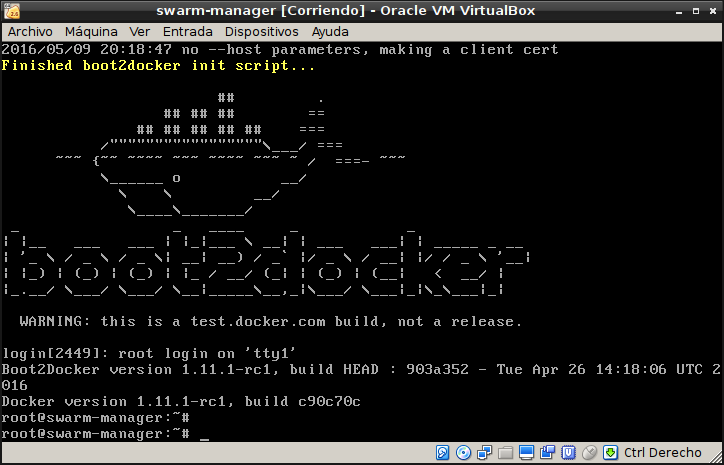
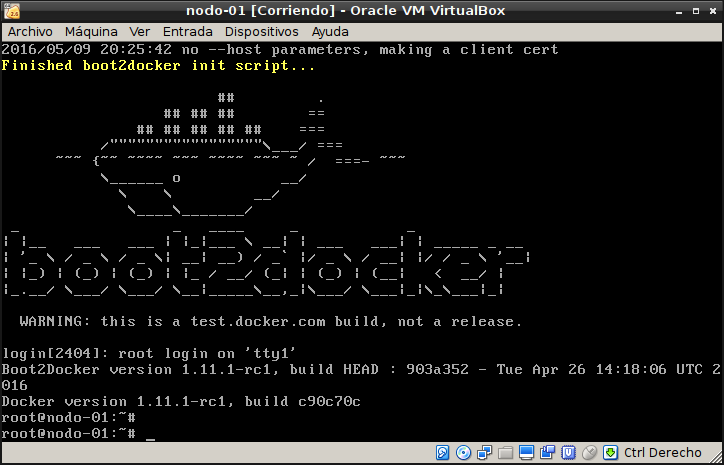
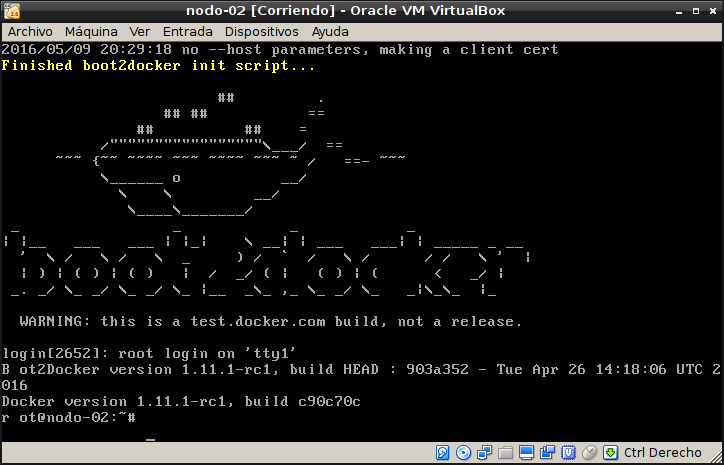
Below are screenshots of swarm-manager, nodo-01 and nodo-02:
Below are some reference links:
- Use Docker Machine to provision hosts on cloud providers. (enlace roto)
- Example: Use Docker Machine to provision cloud hosts. (enlace roto)
Make a donation! If you liked the article you can make a donation with Bitcoin (BTC) using the digital wallet of your choice to the following address: 17MtNybhdkA9GV3UNS6BTwPcuhjXoPrSzV
Or by scanning the QR code from your wallet:
