The previous articles about PyAutoGUI covered:
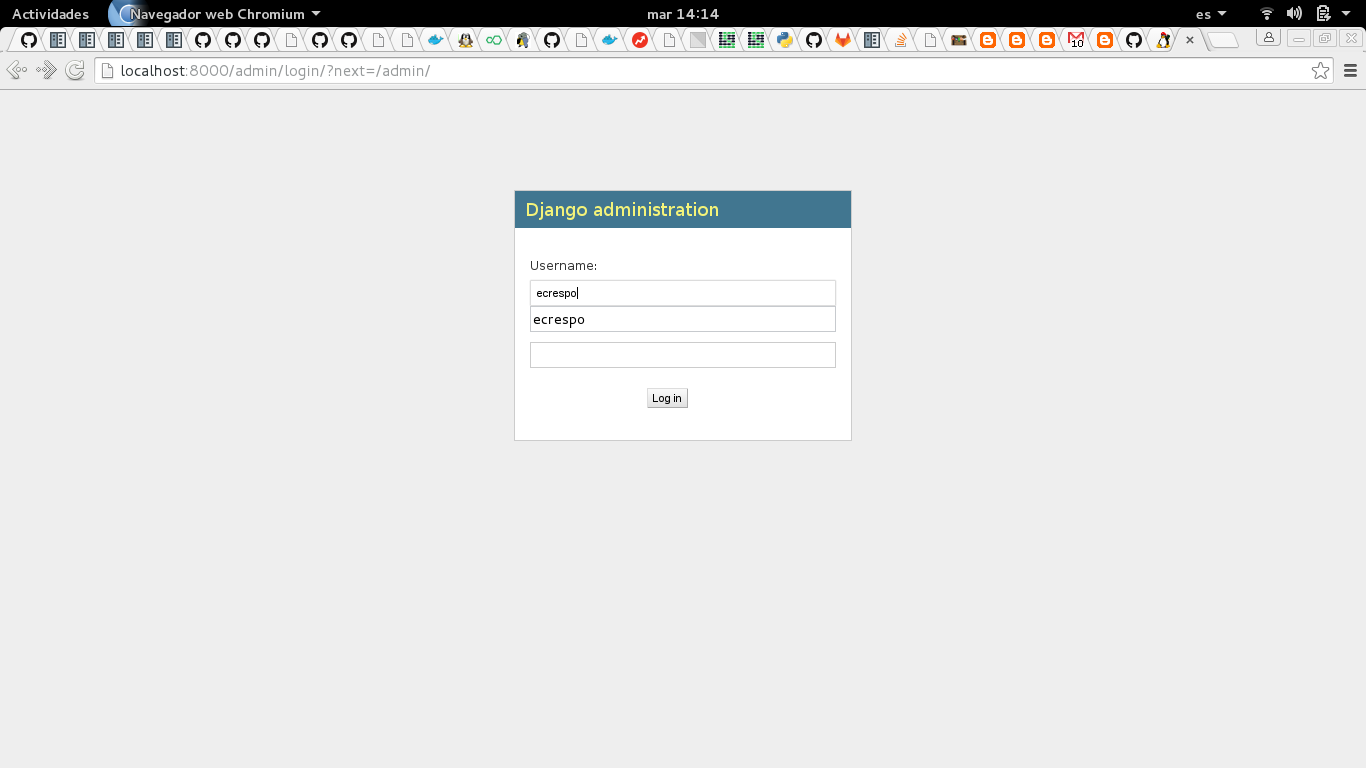
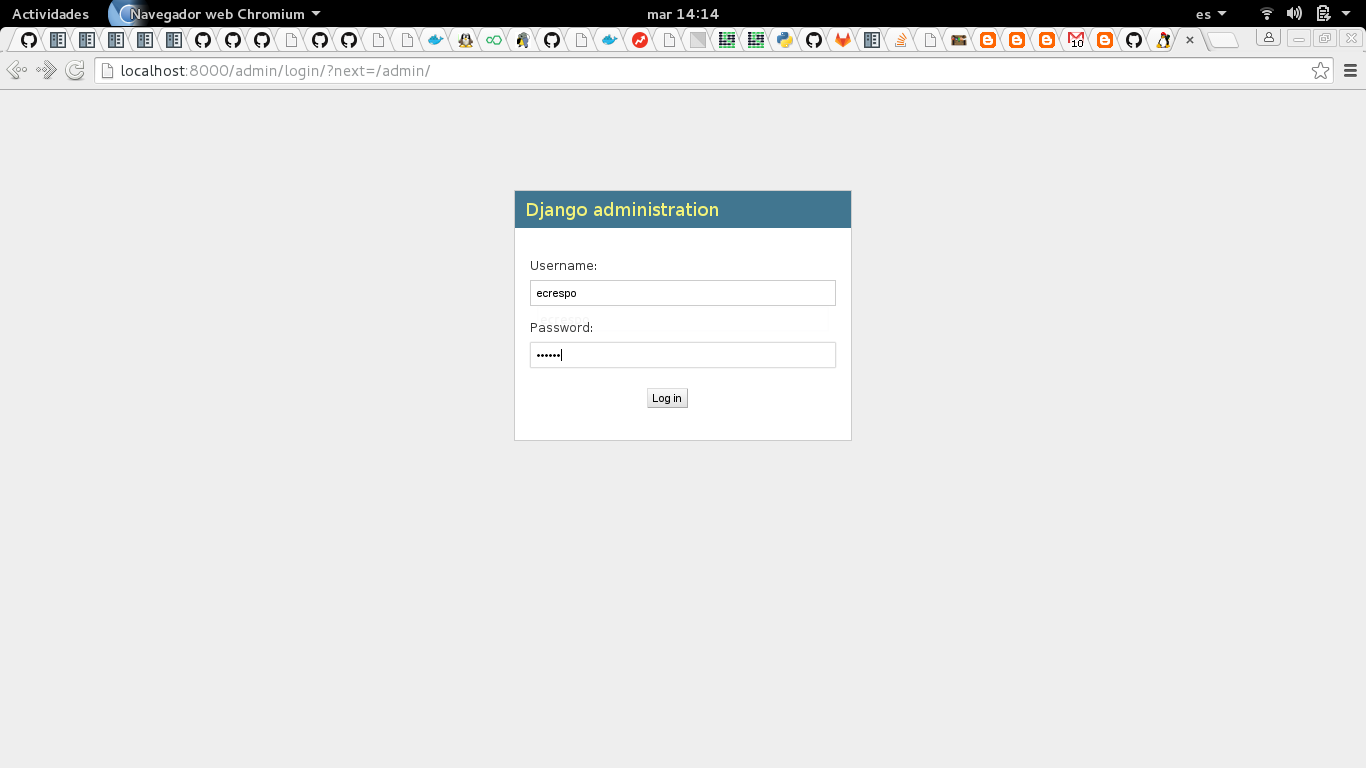
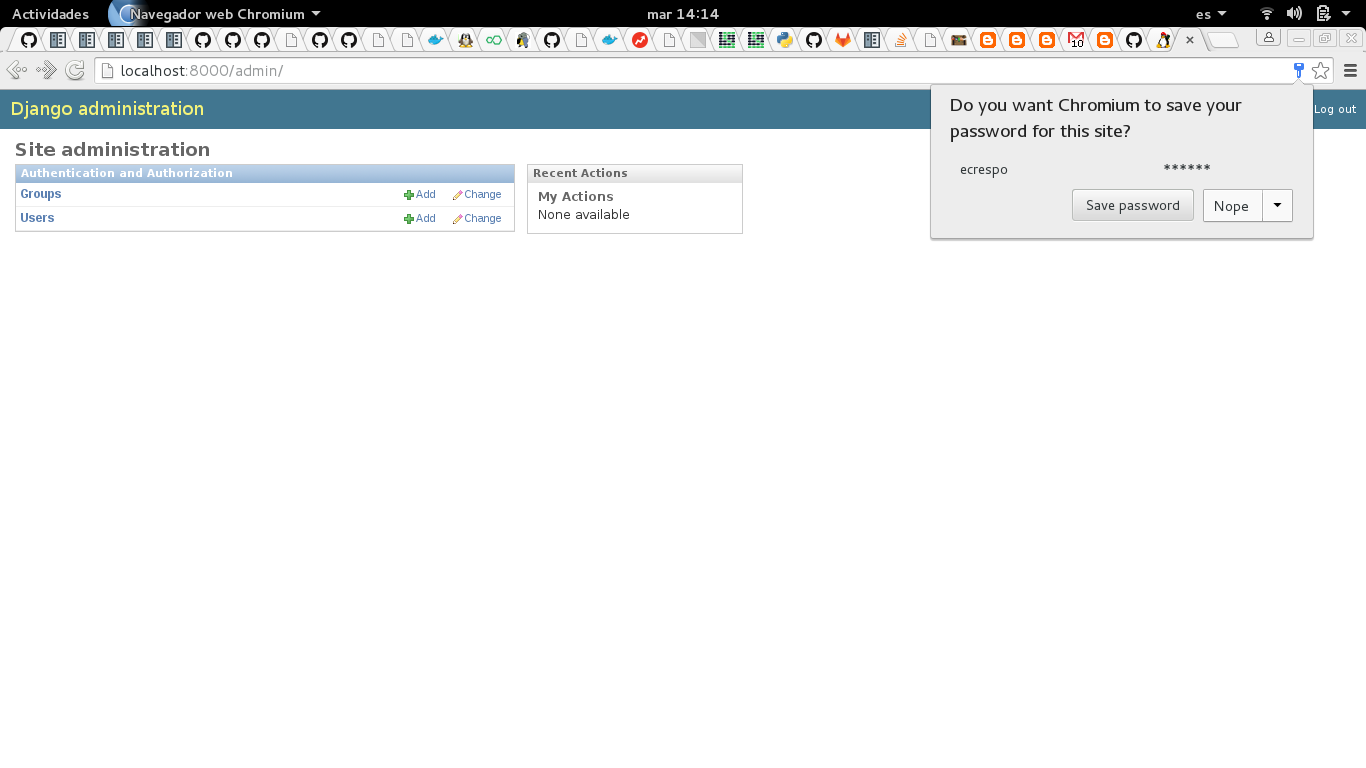
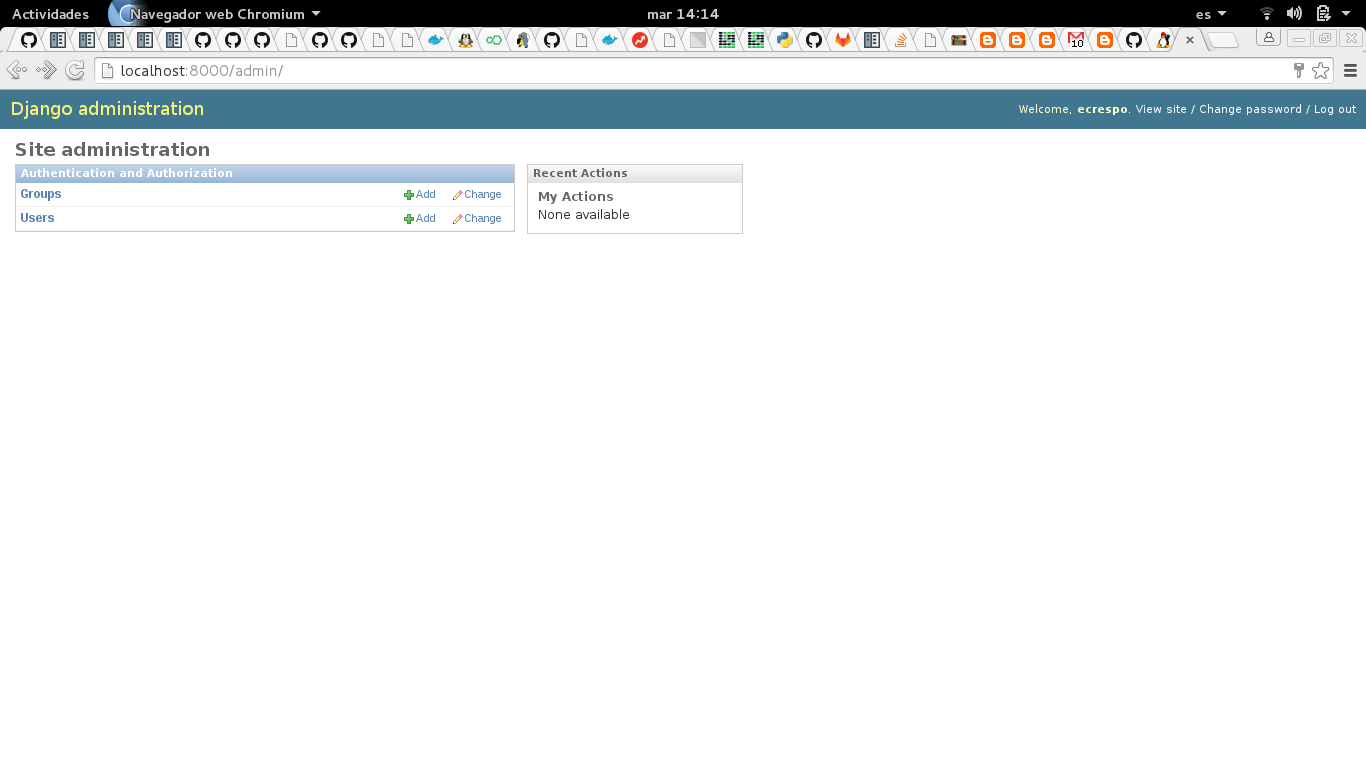
This article logs in to the Django Admin, enters the user name and the password, clicks the accept button, tells the browser not to save the password, logs out and finally goes back to the Django admin start page.
The script will save screenshots of each step performed.
Note: The coordinates of the page widgets were captured beforehand.
The code is shown below:
#!/usr/bin/env python3


import pyautogui, time


time.sleep(2)


#Entrada de datos del usuario


pyautogui.click(540, 295)


pyautogui.typewrite('ecrespo')


#Se realiza la captura de pantalla


im1 = pyautogui.screenshot()


#Se salva en un archivo


im1.save('./imagenes/1.png')


time.sleep(2)


#Entrada de datos de la clave


pyautogui.click(540, 358)


pyautogui.typewrite('123456')


#Se realiza la captura de pantalla


im1 = pyautogui.screenshot()


#Se salva en un archivo


im1.save('./imagenes/2.png')


time.sleep(2)


#Darle click al boton de inicio de sesion


pyautogui.click(668, 397)


time.sleep(4)


#Se realiza la captura de pantalla


im1 = pyautogui.screenshot()


#Se salva en un archivo


im1.save('./imagenes/3.png')


#No guardar la clave del usuario


pyautogui.click(1232, 204)


time.sleep(4)


#Se realiza la captura de pantalla


im1 = pyautogui.screenshot()


#Se salva en un archivo


im1.save('./imagenes/4.png')


#Darle click a cerrar sesion


pyautogui.click(1335, 108)


time.sleep(4)


#Se realiza la captura de pantalla


im1 = pyautogui.screenshot()


#Se salva en un archivo


im1.save('./imagenes/5.png')


#Regresar a la pagina de inicio de sesion


pyautogui.click(42, 215)


#Se realiza la captura de pantalla


im1 = pyautogui.screenshot()


#Se salva en un archivo


im1.save('./imagenes/6.png')
The screenshots taken are shown below:
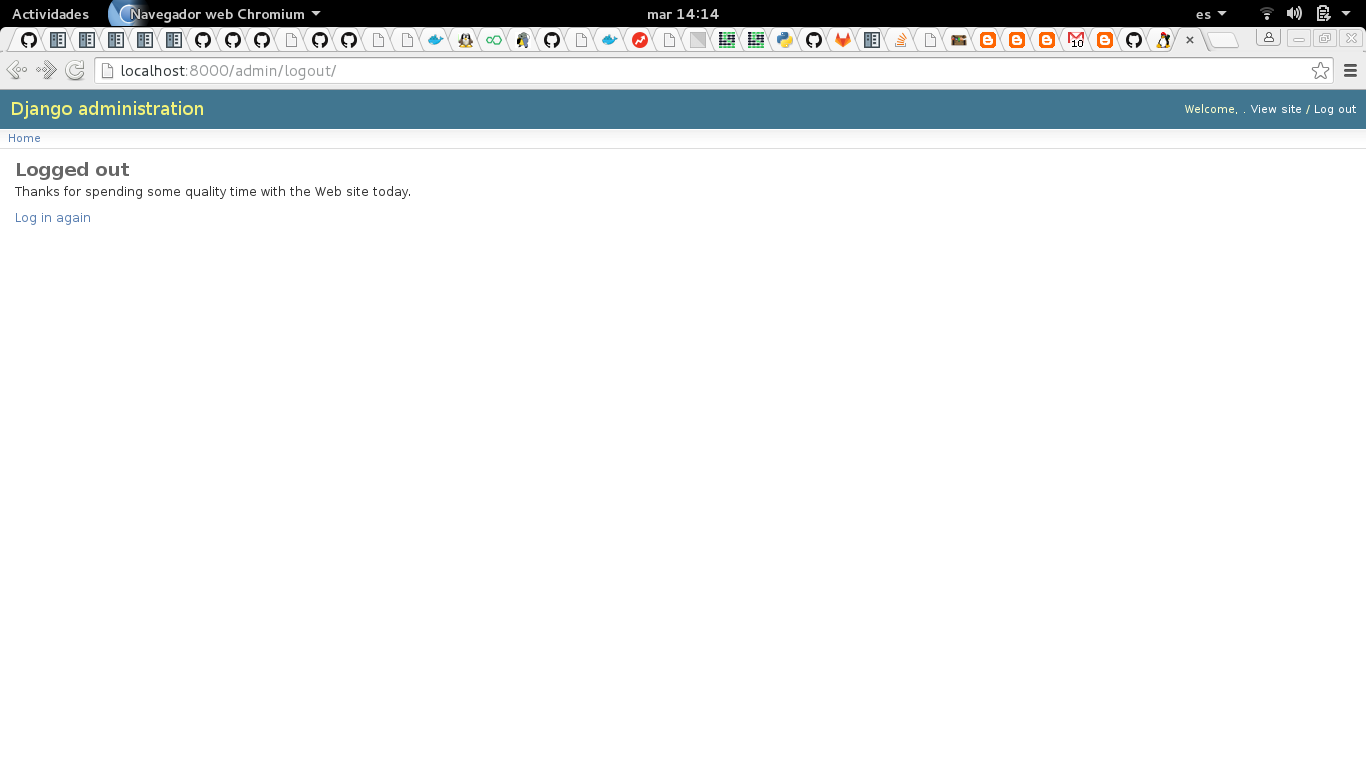
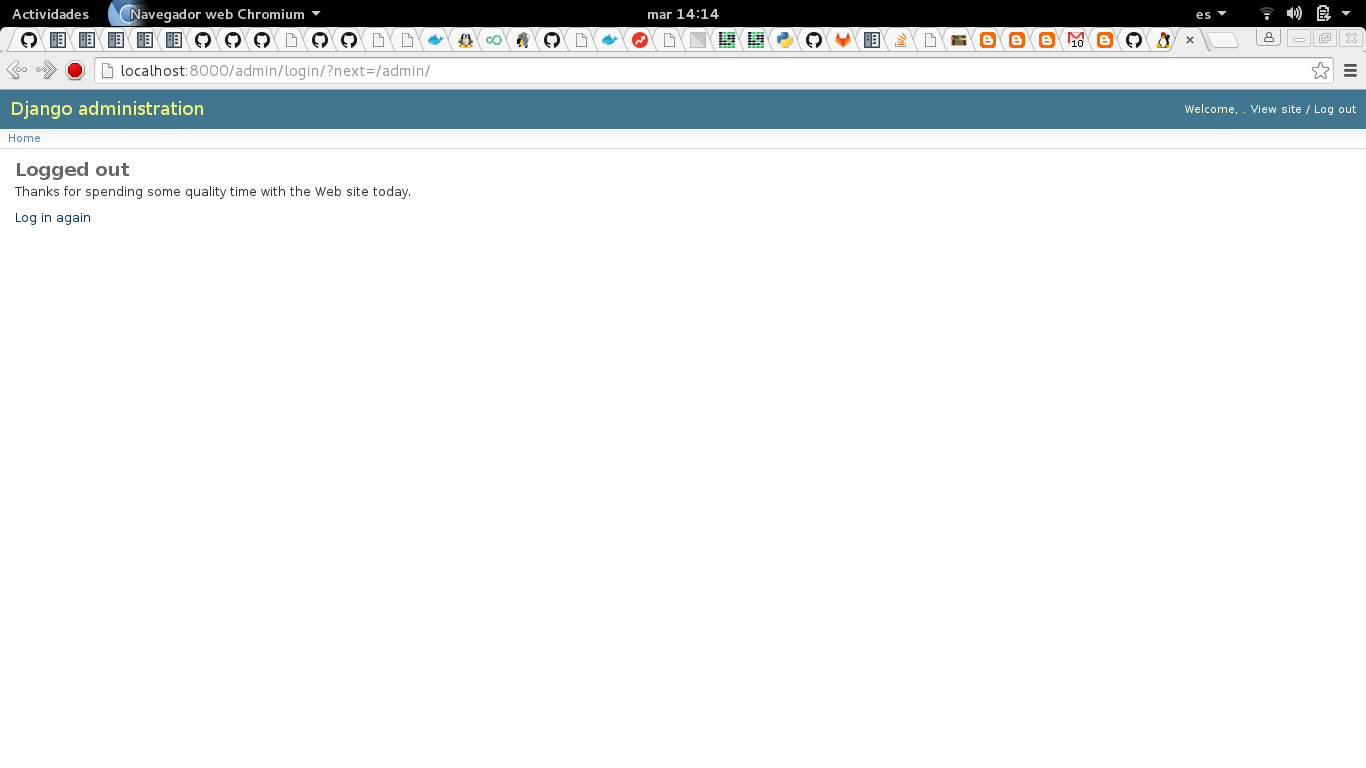
The video of the interaction is shown below:
https://youtu.be/QrkoeDmBR0o (broken link)
With this tool you can automate functional tests for both desktop applications and web applications.
Make a donation! If you liked the article you can make a donation with Bitcoin (BTC) using the digital wallet of your choice to the following address: 17MtNybhdkA9GV3UNS6BTwPcuhjXoPrSzV
Or by scanning the QR code from the wallet:
