The previous article (Restful API with Django-tastypie and Django-Celery) showed how to pass data to django from its command interpreter; this article will explain how to pass it from the browser or from a python script that does it for us.
To recap, the part of the code that captures the url is handled in the urls.py file, which has the following: url(r'^enviar/', celery_views.task_view(tasks.RecNums)),
When the url http://127.0.0.1:8080/ is opened, you get the following screenshot:
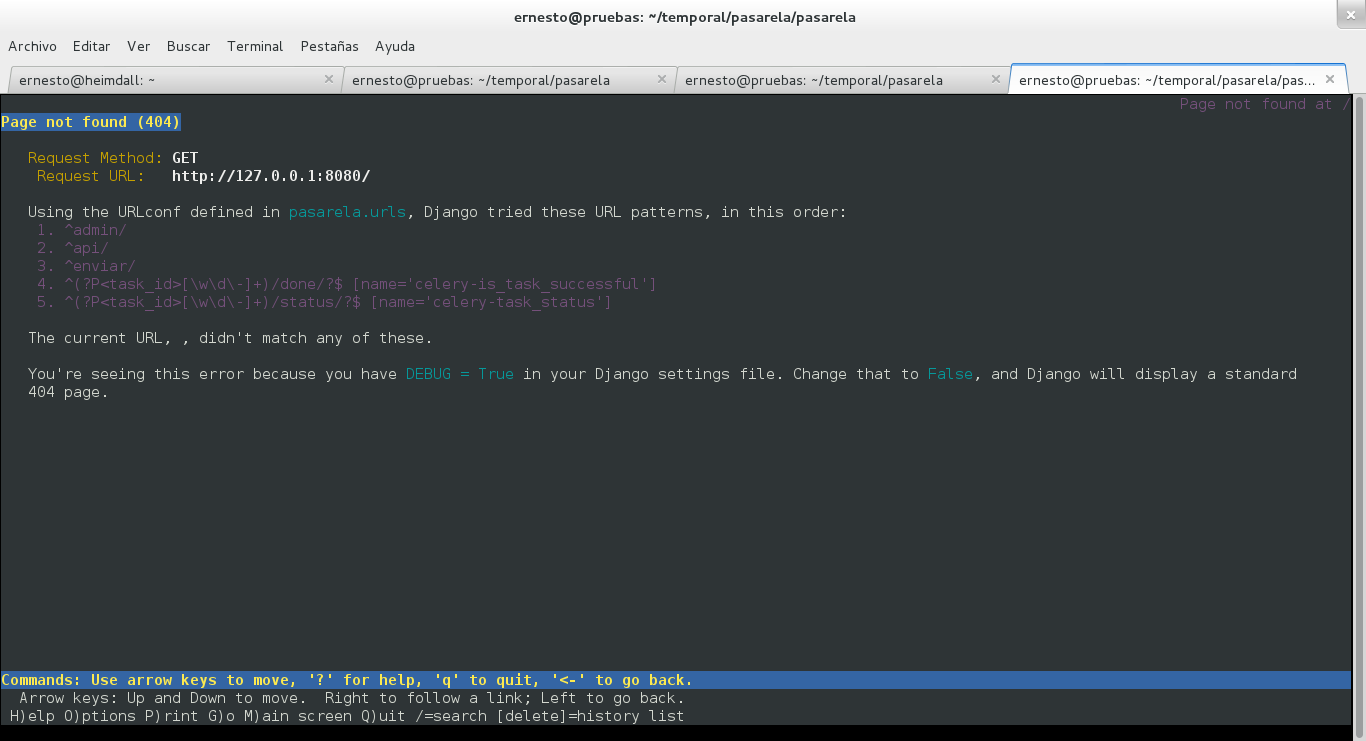
Since django is in debug mode it shows us that page, which says the urls have to follow the order shown (admin, api, enviar and the other two with process identification).
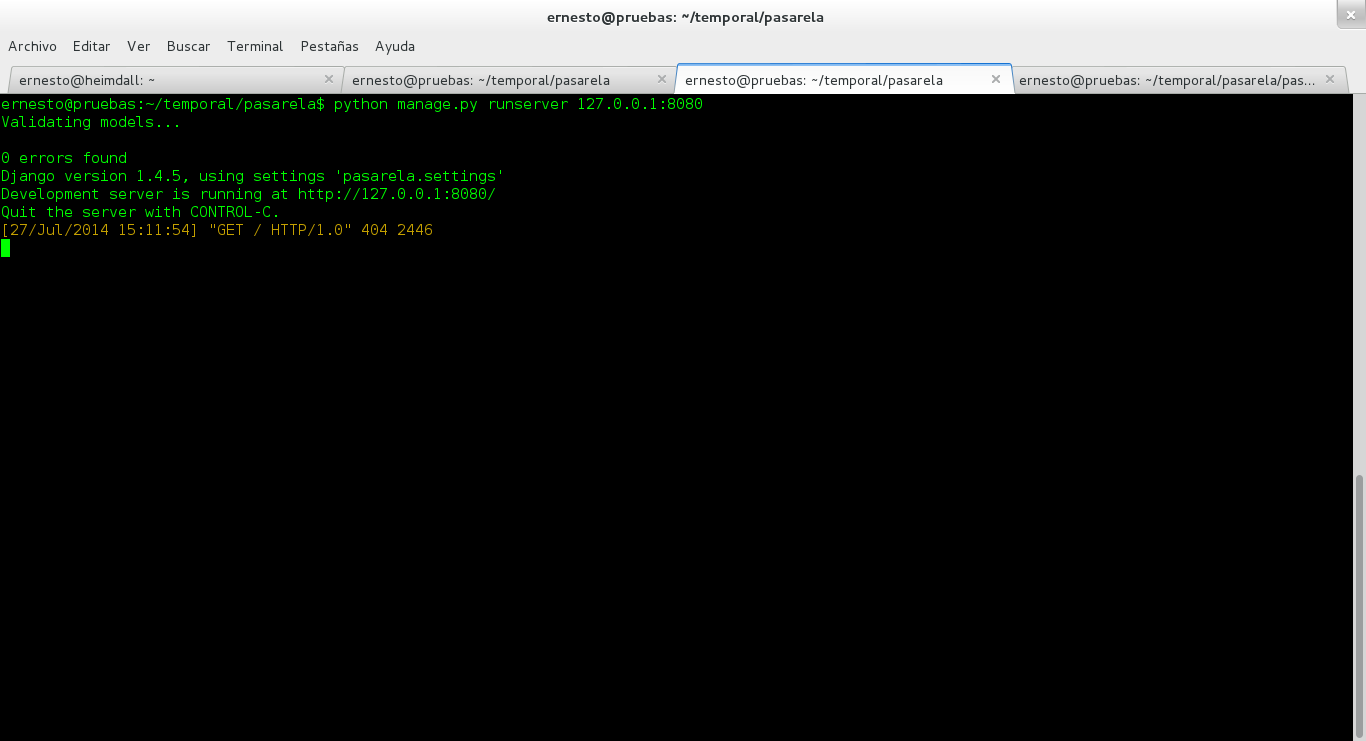
Django returns a 404 message, as shown below:
In the previous article the Django command interpreter was used with the following code:
>>>import json
>>>from pasarela.apps.sms.tasks import RecNums
>>>datos = '{"numeros": ["34225673531", "34265673531", "34365673531", "34245673531", "34345673531"], "mensaje": "xyzw", "cantnumeros": 5,"evento":6}'
>>>resultado = RecNums.delay(datos)
>>>resultado.get()
'Se enviaron: 5'
As you can see, datos is a string that contains a set of data between braces; what is between the quotes is a python dictionary, which is why, when the RecNums function receives datos, it converts the string, which is itself a json, from a str type to a dict type:
>>>type(datos)
str
>>>diccionario = json.loads(datos)
>>>type(diccionario)
dict
Now, the url to use should be something like: http://127.0.0.1/enviar/?datos= Where what follows the equals sign should be the json that is passed to the function
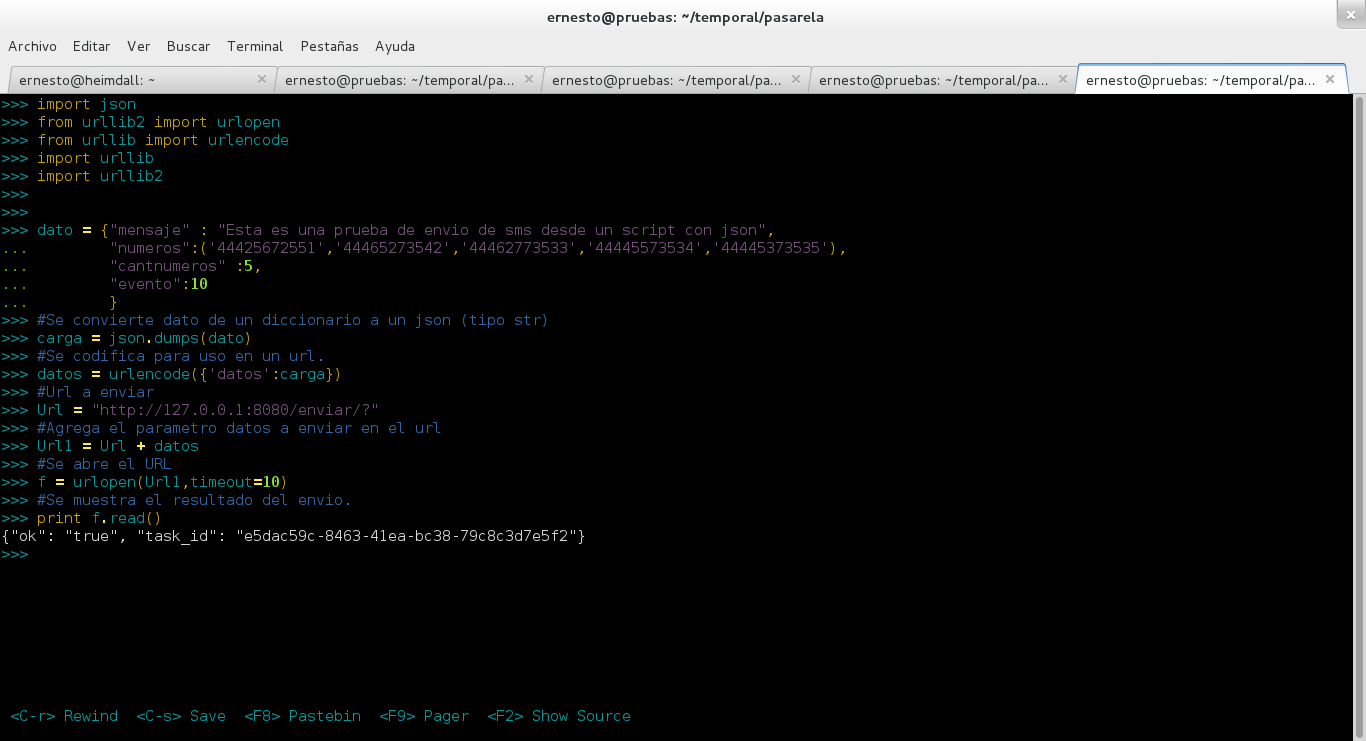
( '{"numeros": ["34225673531", "34265673531", "34365673531", "34245673531", "34345673531"], "mensaje": "xyzw", "cantnumeros": 5,"evento":6}' ).This is the json. The problem is that the url is not well built, so a python script will be used to show how to open the url passing it the json (shown in the following figure):
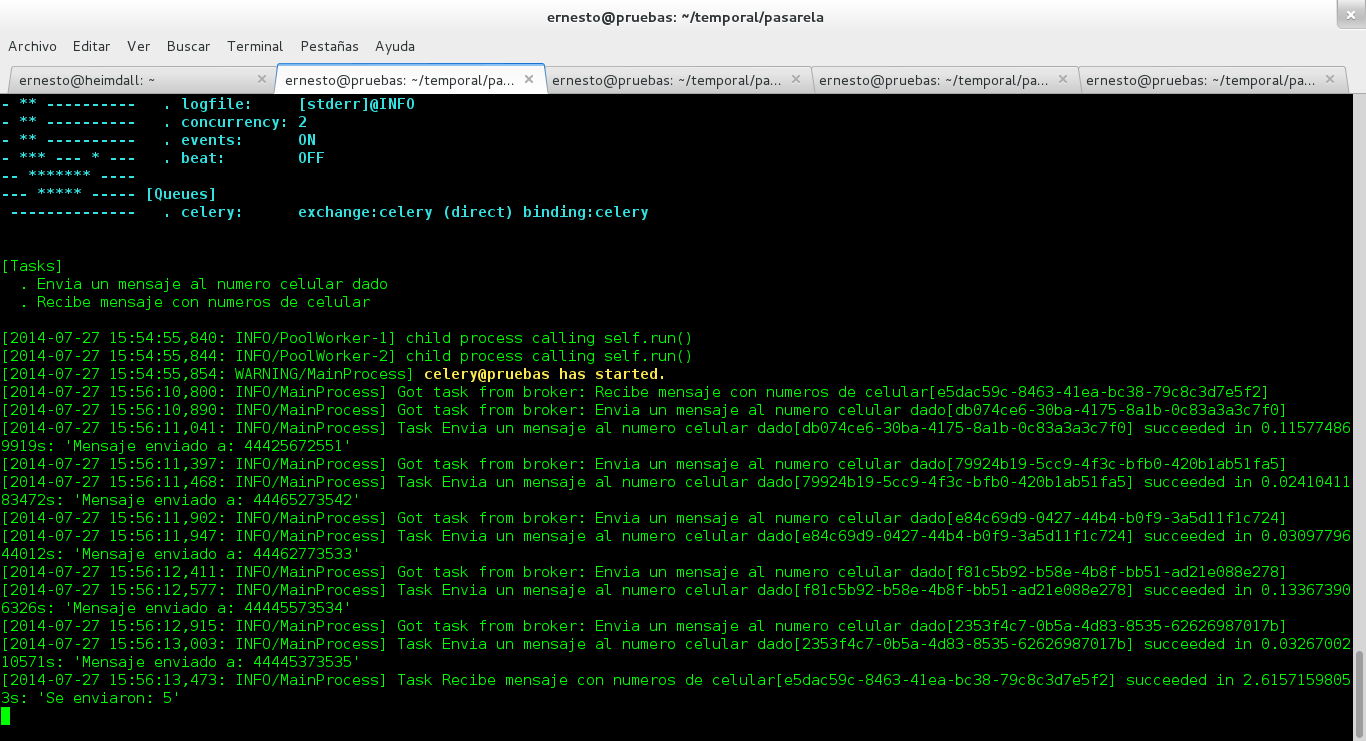
Below is the celery log, where you can see that it processes the tasks of sending each message to its respective phone number:
And finally, the Django log is shown upon receiving the URL passed in the script, where it returns the code 200:
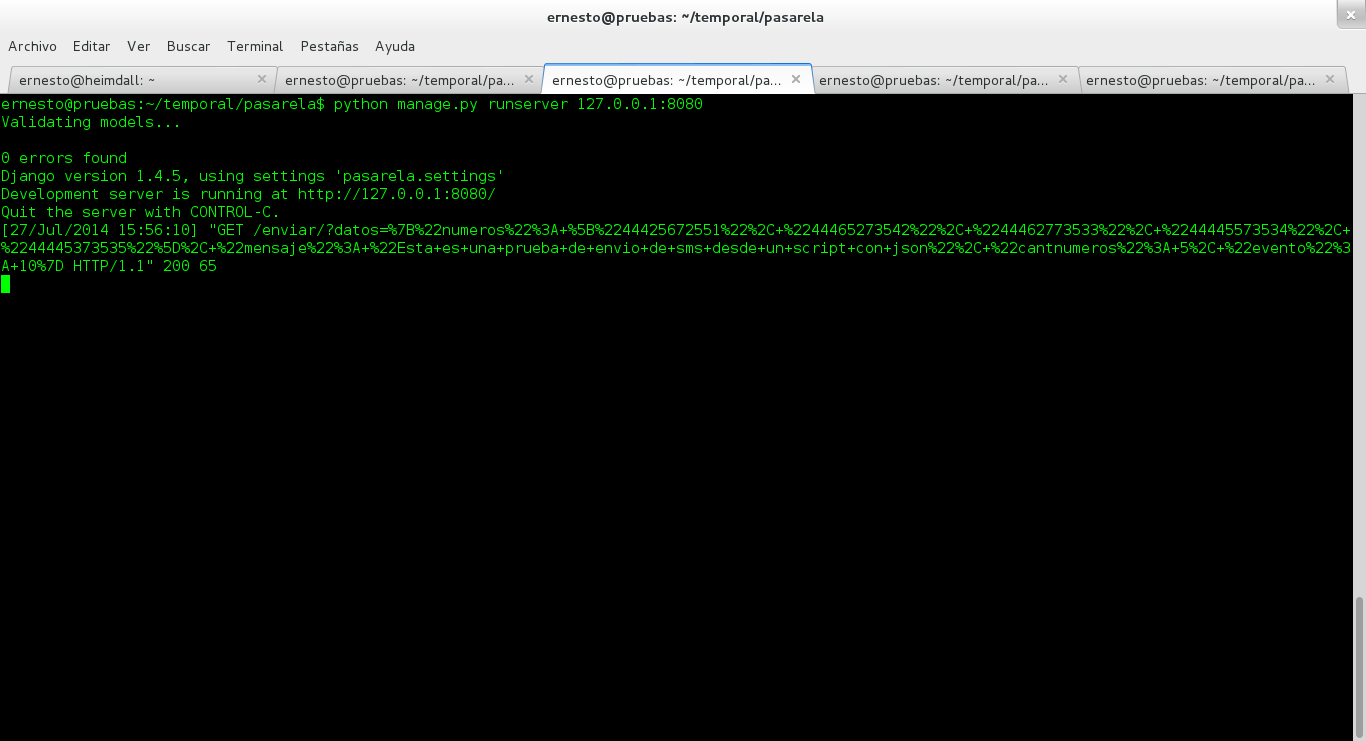
So in order to pass parameters through a url, the data in the json has to be converted to url format.
Make a donation! If you liked the article you can make a donation with Bitcoin (BTC) using the digital wallet of your choice to the following address: 17MtNybhdkA9GV3UNS6BTwPcuhjXoPrSzV
Or by scanning the QR code from your wallet:
