A while ago I wanted to test extracting data from PDFs published by the Public Administration in Venezuela, since the concept of Open Data is not very clear around here; the most you get are PDF documents where they paste charts and tables as screenshots.
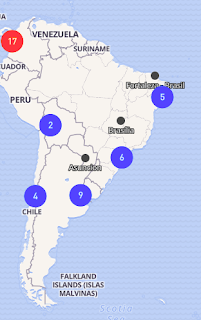
By the way, there is an Open Data Day event. That day was March 3 this year. If you click on the map, the list of events of that day by country appears.
This article is based on an English article published on Medium about tabula-py.
In the case of Venezuela, it does not appear in the list of events for March 3.
Open Government Partnership.
https://youtu.be/QbGDoV_HoFY (broken link)
Open Data site initiatives.
https://youtu.be/oh3g-iYAaDo (broken link)
What if I could do a scraping and immediately use Pandas (Introduction to pandas) for Data Science.
There is a Python library called tabula-py; in the tabula-py github there is a file called data.pdf, and that will be the pdf file from which the information will be extracted.
To use tabula-py you can install it via pip:
pip install tabula-pyBelow is how to use tabula-py in jupyter:
In [1]:
#Se importa read_pdf de tabula
from tabula import read_pdf
In [2]:
#Se lee el archivo data.pdf y se muestra el encabezado del dataframe
df = read_pdf('./Data/data.pdf')
df.head()
Out[2]:
| ID | Unnamed: 0 | mpg | cyl | disp | hp | drat | wt | qsec | vs | am | gear | carb |
|---|---|---|---|---|---|---|---|---|---|---|---|---|
| 0 | Mazda RX4 | 21.0 | 6 | 160.0 | 110 | 3.90 | 2.620 | 16.46 | 0 | 1 | 4 | 4 |
| 1 | Mazda RX4 Wag | 21.0 | 6 | 160.0 | 110 | 3.90 | 2.875 | 17.02 | 0 | 1 | 4 | 4 |
| 2 | Datsun 710 | 22.8 | 4 | 108.0 | 93 | 3.85 | 2.320 | 18.61 | 1 | 1 | 4 | 1 |
| 3 | Hornet 4 Drive | 21.4 | 6 | 258.0 | 110 | 3.08 | 3.215 | 19.44 | 1 | 0 | 3 | 1 |
| 4 | Hornet Sportabout | 18.7 | 8 | 360.0 | 175 | 3.15 | 3.440 | 17.02 | 0 | 0 | 3 | 2 |
In [3]:
#También se puede mostrar los datos en formato json
js = read_pdf('./Data/data.pdf',output_format='json')
In [4]:
#También se puede guardar un archivo en JSON, CSV,TSV
from tabula import convert_into
convert_into('./Data/data.pdf',"./Data/data.json",output_format='json')
#!cat ./Data/data.json
In [5]:
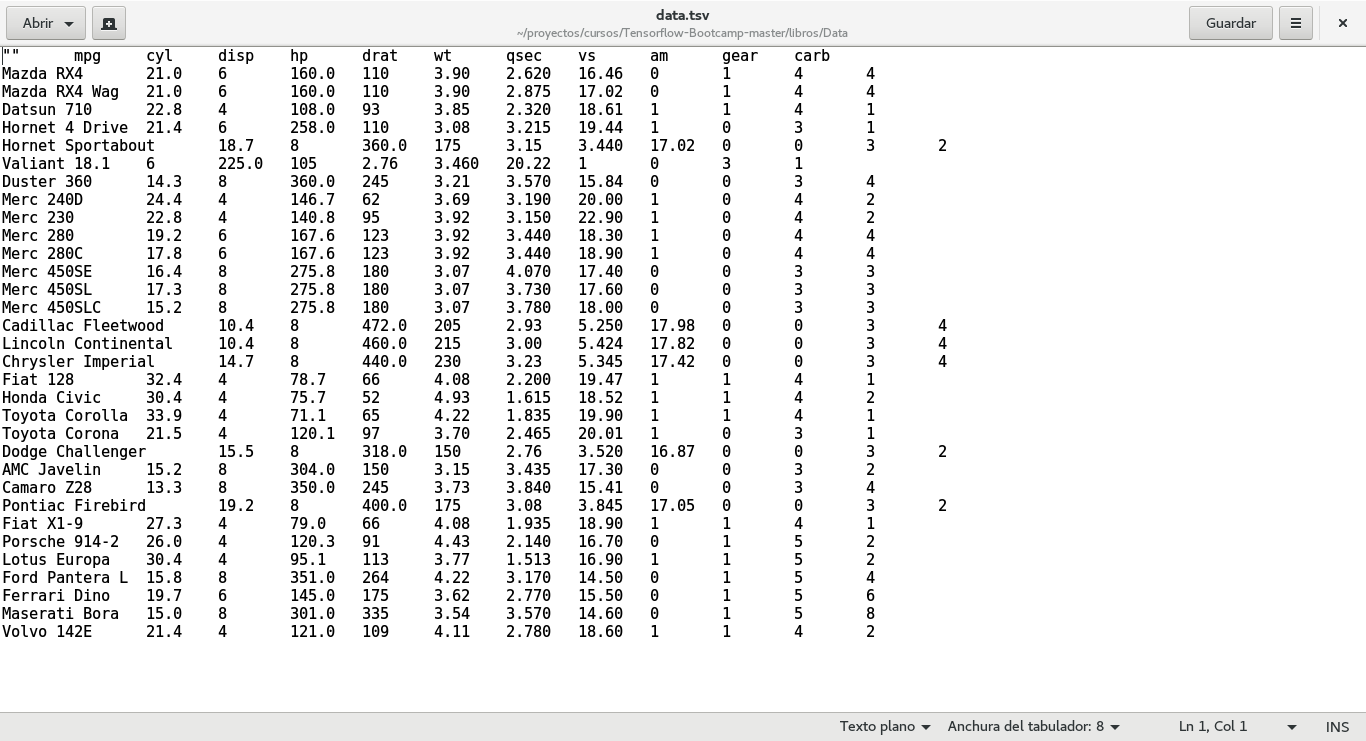
convert_into('./Data/data.pdf',"./Data/data.tsv",output_format='tsv')
#!cat ./Data/data.tsv
In [6]:
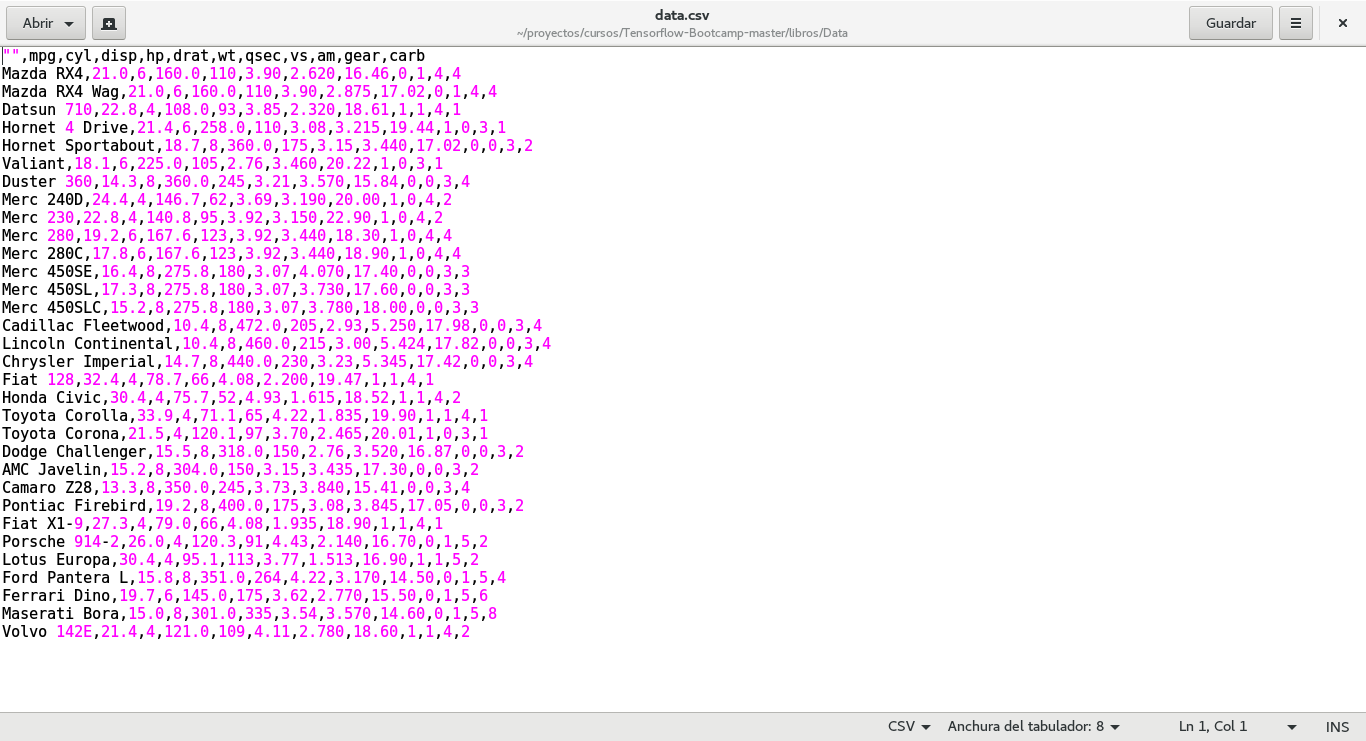
convert_into('./Data/data.pdf',"./Data/data.csv",output_format='csv')
#!cat ./Data/data.csv
Below is the figure of the editor showing data.csv:
Now the contents of the data.tsv file are shown:
Once the data is in a dataframe, you can do all the data analytics that can be done with Pandas.
Make a donation! If you liked the article you can make a donation in Bitcoin (BTC) using the digital wallet of your choice to the following address: 17MtNybhdkA9GV3UNS6BTwPcuhjXoPrSzV
Or by scanning the QR code from your wallet:
