Continuing with the initial article about the flask microframework, this one shows how to handle different url routes, how to get information about the browser being used to view the page, and finally how to redirect a route to another url.
The code of app.py is shown below:
#de flask se importa Flask, request y redirect.

from flask import Flask,request,redirect


#Se crea la instancia del objeto Flask.

app = Flask(__name__)


#Se define el decorador ruta en este caso será la raíz del url, donde

#se muestra hola mundo desde flask

@app.route('/')

def hola_mundo():

    return "Hola Mundo <strong>desde Flask</strong>"


#En este caso el decorador ruta maneja un directorio ususuario y se coloca el nombre del

#usuario en el url

@app.route('/usuario/<nombre>')

#Se define la función usuario donde se le pasa el nombre

#devuelve un texto que dice hola y el nombre del usuario.

def usuario(nombre):

    return "<h1> Hola, %s </h1>" % nombre


#Se define la ruta navegador

@app.route('/navegador')

#Se crea la función navegador

#donde se obtiene el headers de User-Agent el cual maneja el nombre

#del navegador que se está usando, la función navegador retorna un string con

#el nombre del navegador.

def navegador():

    user_agent= request.headers.get('User-Agent')

    return "<h1>Su navegador es: %s </h1> " % user_agent


#Se define la ruta redirect

@app.route('/redirect')

#se crea la función redir el cual retorna el nuevo url que será este blog.

def redir():

    return redirect('https://www.seraph.to')


#Se define la ejecución del servidor.

if __name__ == '__main__':

    app.run(debug=True)
Next, run app.py:
python app.py
 * Running on http://127.0.0.1:5000/
 * Restarting with reloader
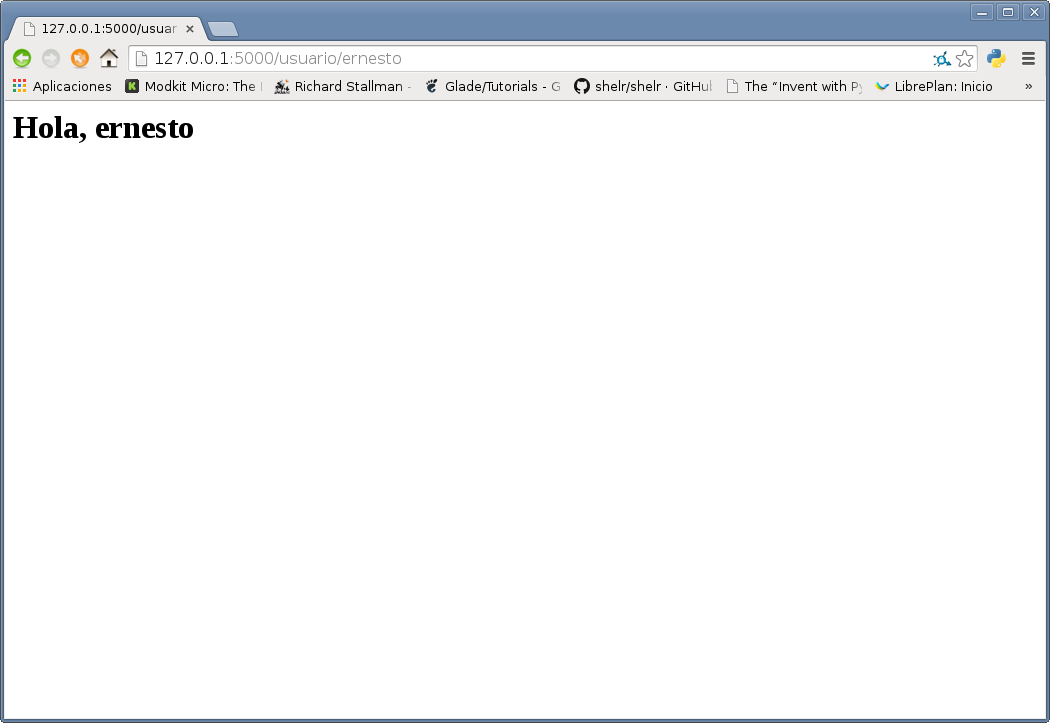
Open the browser and put the name you want to show in the url, in this case ernesto: http://127.0.0.1:5000/usuario/ernesto
The image shows the result:
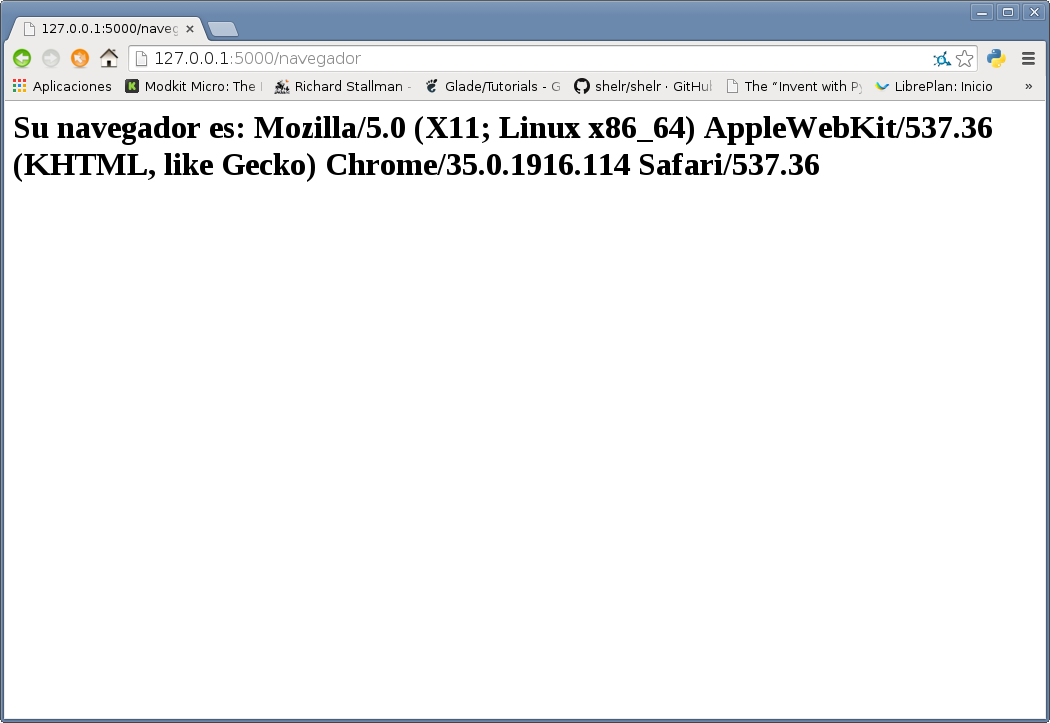
Now enter the url that displays the browser information: http://127.0.0.1:5000/navegador
The following figure shows the result:
Finally, enter the url that redirects one url to another; in this case a screencast was recorded to show the action. The url is: http://127.0.0.1:5000/redirect
The video is shown below:
https://youtu.be/F0TOM6Ztak8 (broken link)
Make a donation! If you liked the article you can make a donation with Bitcoin (BTC) using the digital wallet of your choice to the following address: 17MtNybhdkA9GV3UNS6BTwPcuhjXoPrSzV
Or by scanning the QR code from the wallet:
