
Flask is a microframework written in Python and based on the WSGI specification and the Jinja2 template engine.
You can find its documentation at the following link.
On Debian-based distributions it can be installed with apt:
#apt-get install python-flask python-flask-docIt can also be done with pip:
#pip install flaskNow we will create a script (app.py) that says hello world using flask:
#Se importa flask de Flask

from flask import Flask

#Se crea la instancia de la aplicación app.

app = Flask(__name__)


#Se define el decorador route donde se da la ruta del directorio del servidor web.

@app.route('/')

#Se crea la función hola_mundo que retorna un string con contenido en html.

def hola_mundo():

    return "Hola Mundo <strong>desde Flask</strong>"


#Se define la ejecución de la aplicación.

if __name__ == '__main__':

    app.run()
Run the script:
ernesto@heimdall:~/proyectos/tutorialflask$ python app.py
 * Running on http://127.0.0.1:5000/
Now open the browser at the url shown above; the console shows the following:
127.0.0.1 - - [31/May/2014 16:41:12] "GET / HTTP/1.1" 200 -
127.0.0.1 - - [31/May/2014 16:41:14] "GET /favicon.ico HTTP/1.1" 404 -
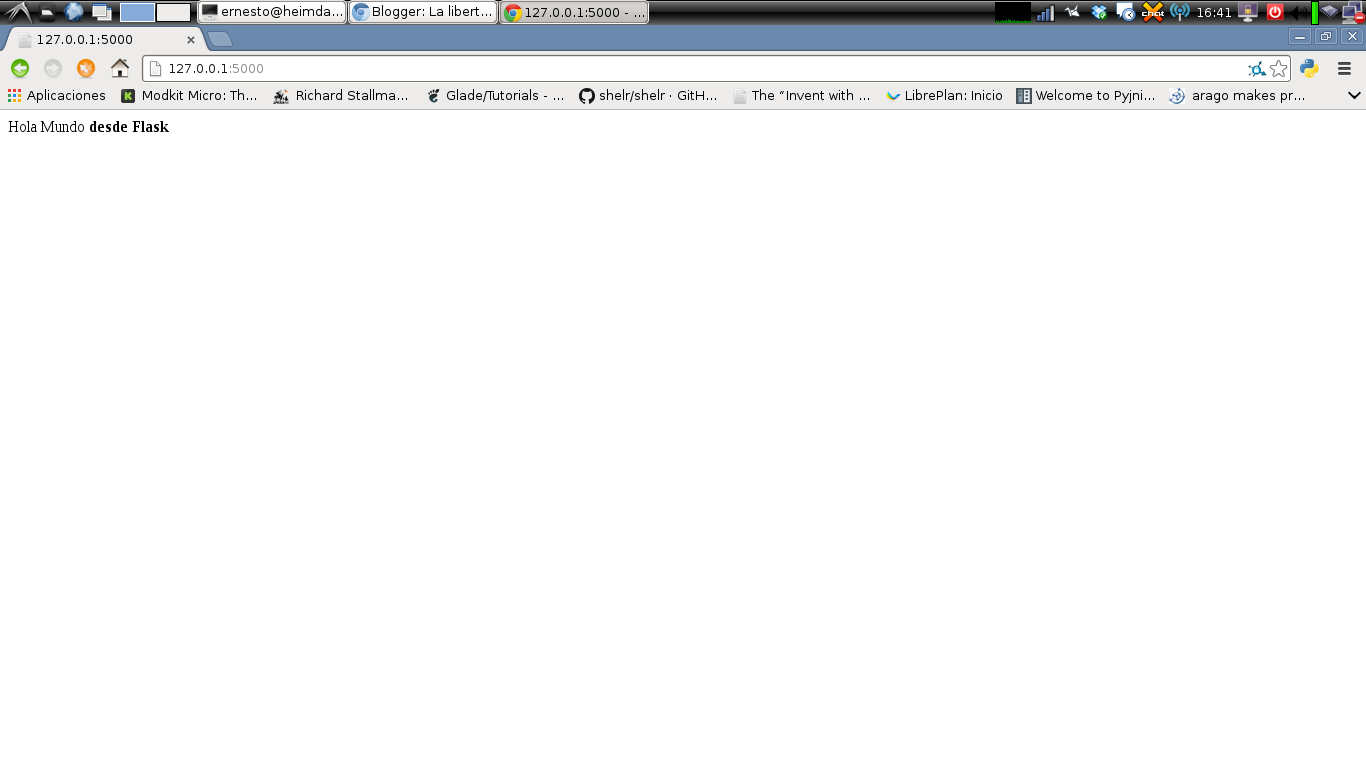
The main page opens without problems, and then a 404 message is returned because it cannot find a favicon.iso file (which does not actually exist).
The following image shows the page from chrome:
Make a donation! If you liked the article you can make a donation with Bitcoin (BTC) using the digital wallet of your choice to the following address: 17MtNybhdkA9GV3UNS6BTwPcuhjXoPrSzV
Or by scanning the QR code from your wallet:
