This article is a continuation of the articles on extracting data from a PDF, focused on the Cencoex report for the health (broken link) area.
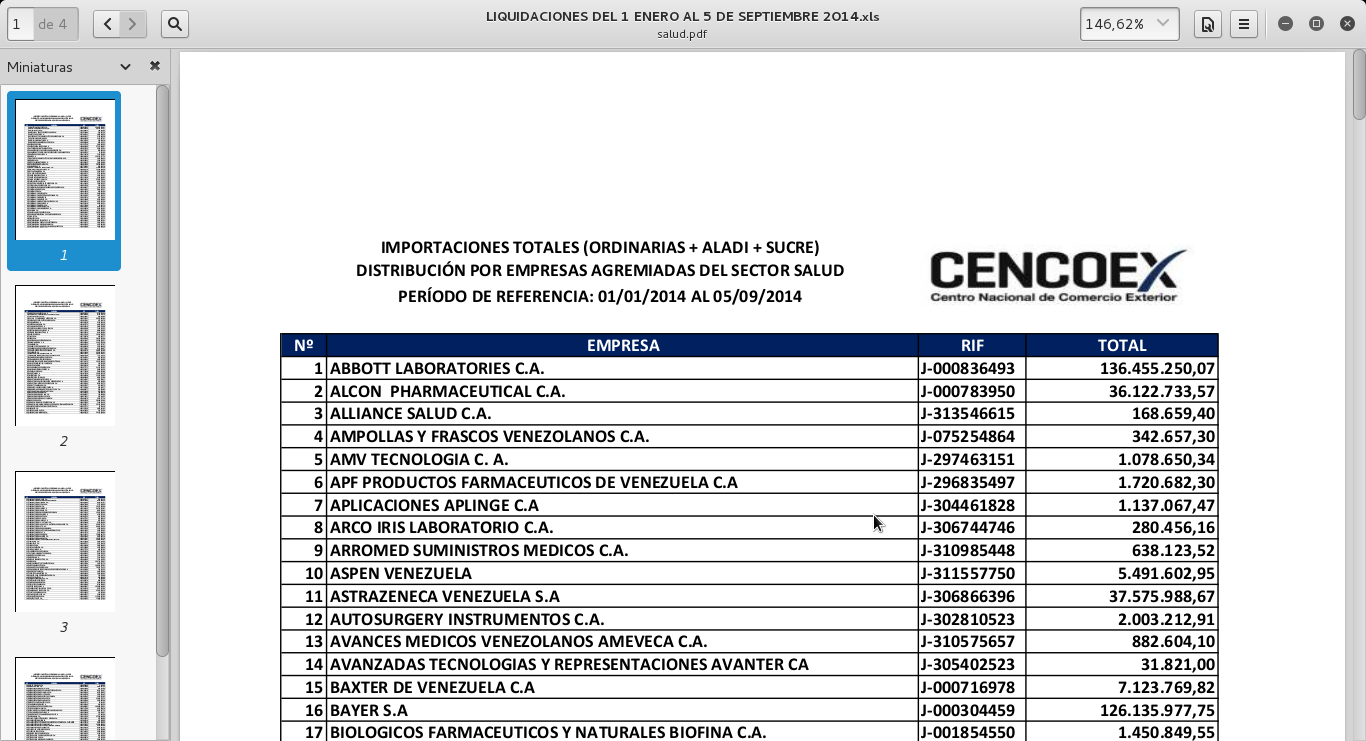
The following figure shows the aforementioned pdf:
The previous PDF extraction articles are:
- Extracting information from PDFs with Python (part 1).
- Extracting information from PDFs with Python (part 2).
- Extracting information from PDFs with Python (part 3).
For the Cencoex report PDF, there is the script already explained earlier that saves the information in a mongodb database called cencoex in a collection called salud.
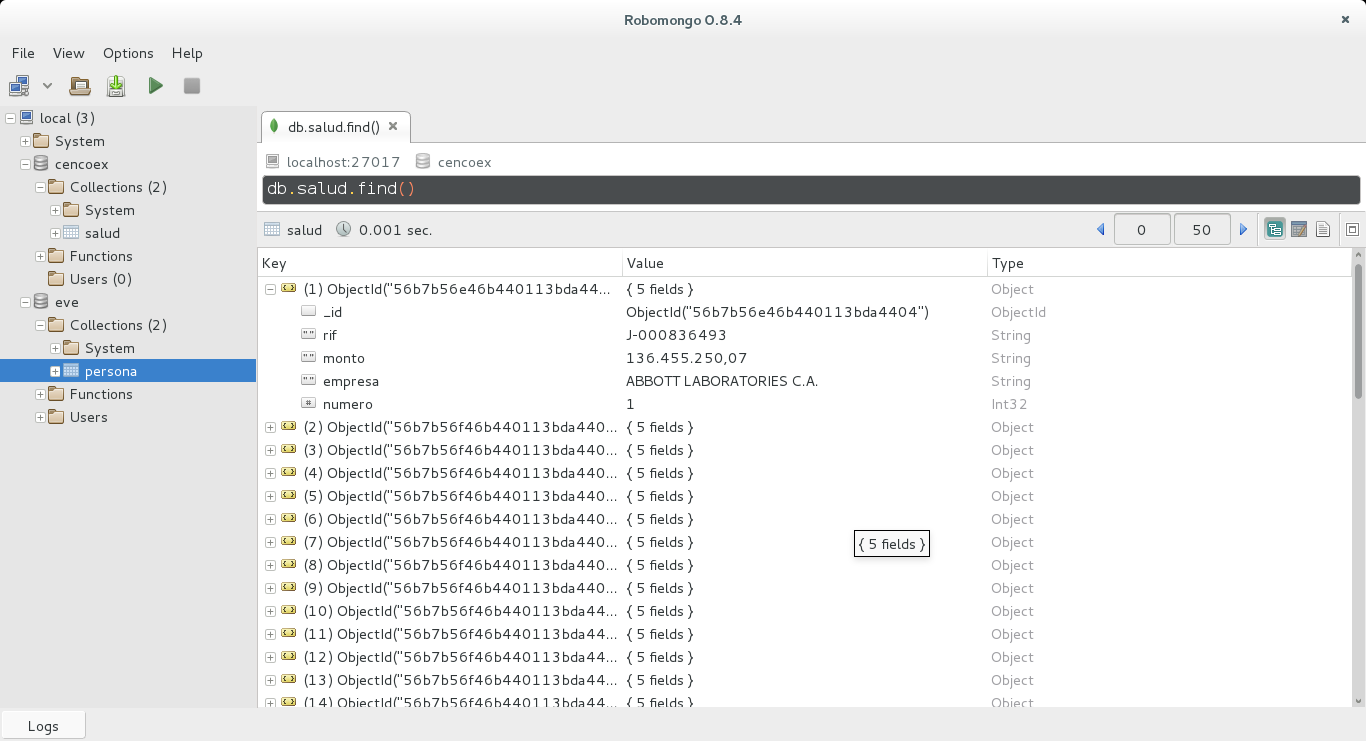
The following figure shows the documents of the collection:
With this information stored in mongodb, a RESTful API will be created with Eve as explained in the previous articles.
The previous image shows that the documents have the following fields:
_id: The object identifierrif: The RIF of the company that was assigned the dollars; the field is a string.monto: Amount in dollars of the foreign currency allocation to that company; the field is a string.empresa: The name of the company that was assigned the dollars; the field is a string.numero: The assigned number that appears in the pdf; it is an integer.
With this information the schema to access the data through Eve will be built.
Here is the settings.py file:
#Configuracion de mongodb
MONGO_HOST = 'localhost'
MONGO_PORT = 27017
#MONGO_USERNAME = 'user'
#MONGO_PASSWORD = 'user'
MONGO_DBNAME = 'cencoex'


RESOURCE_METHODS = ['GET', 'POST', 'DELETE']

ITEM_METHODS = ['GET', 'PATCH', 'PUT', 'DELETE']
#Esquema
schema = {
    'numero': {
        'type': 'integer',
    },
    'rif': {
        'type': 'string',
        'maxlength': 11,
    },
    'empresa': {
        'type': 'string',
    },
    'monto': {
        'type': 'string',
    },
}


empresa = {
    'titulo': 'numero',
    'additional_lookup': {
        'url': 'regex("[\w]+")',
        'field': 'numero'
    },

    'cache_control': 'max-age=10,must-revalidate',
    'cache_expires': 10,

    'resource_methods': ['GET', 'POST'],

    'schema': schema
}

DOMAIN = {
    'salud': empresa,
}
As you can see, the domain is salud, which takes the company information, where the field to handle is the number. The schema was defined to handle the same fields as the collection.
The run.py file is what starts the RESTful API:
#!/usr/bin/env python

from eve import Eve
app = Eve()

if __name__ == '__main__':
    app.run()
To start the RESTful API run run.py:
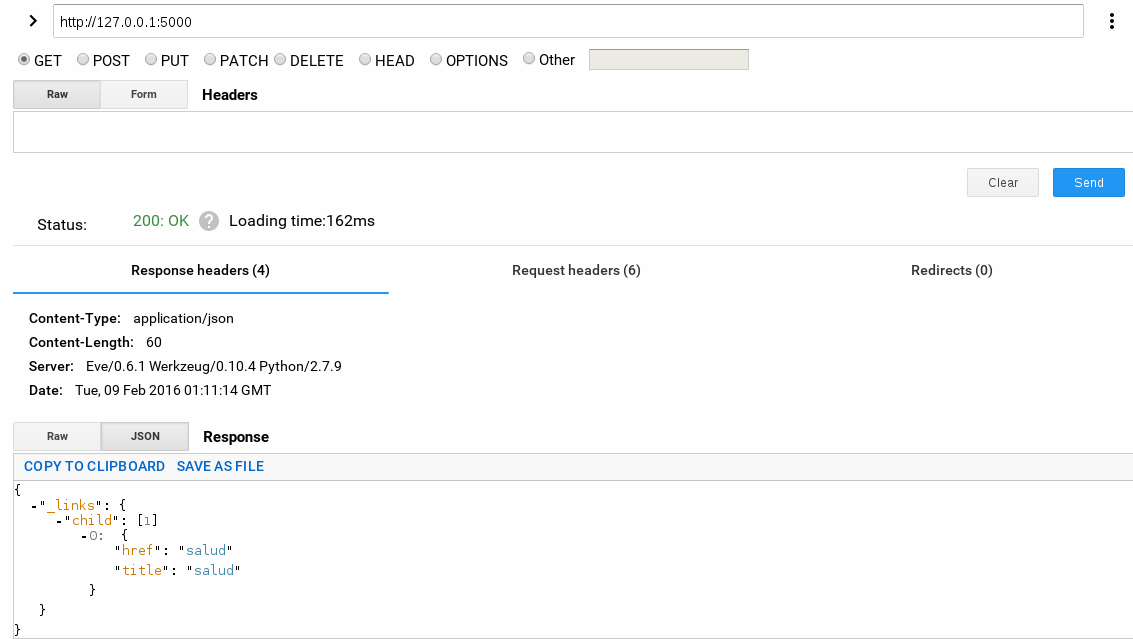
python run.pyAccessing http://127.0.0.1:5000/ with the restclient client gives the following:
To access the list of elements of the RESTful API, enter http://127.0.0.1:5000/salud/ in the client; the following figures show the result:
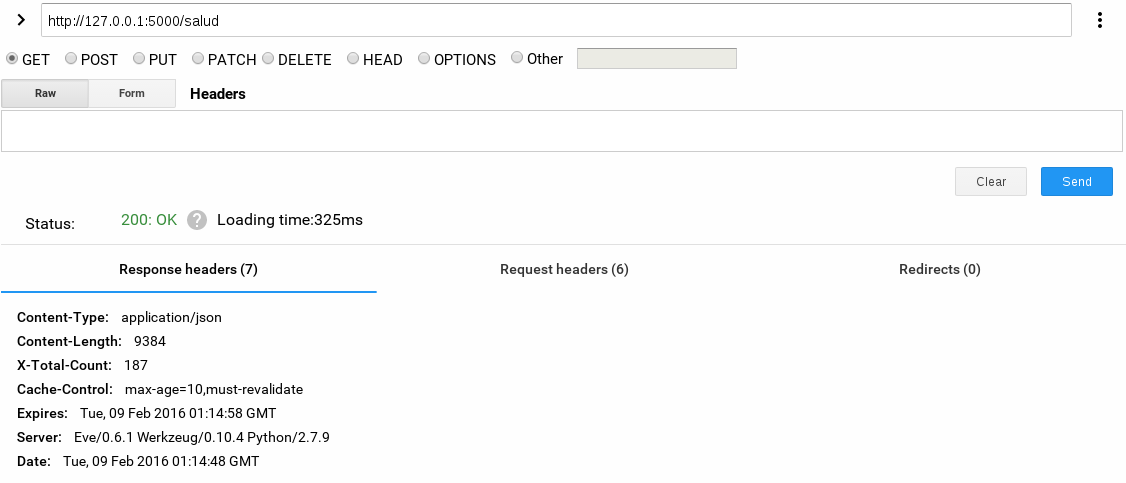
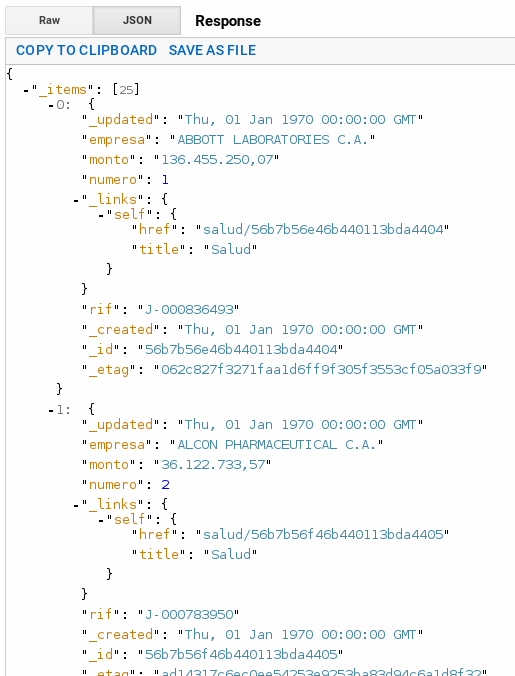
As the figure shows, a JSON with the documents of the mongodb database is returned.
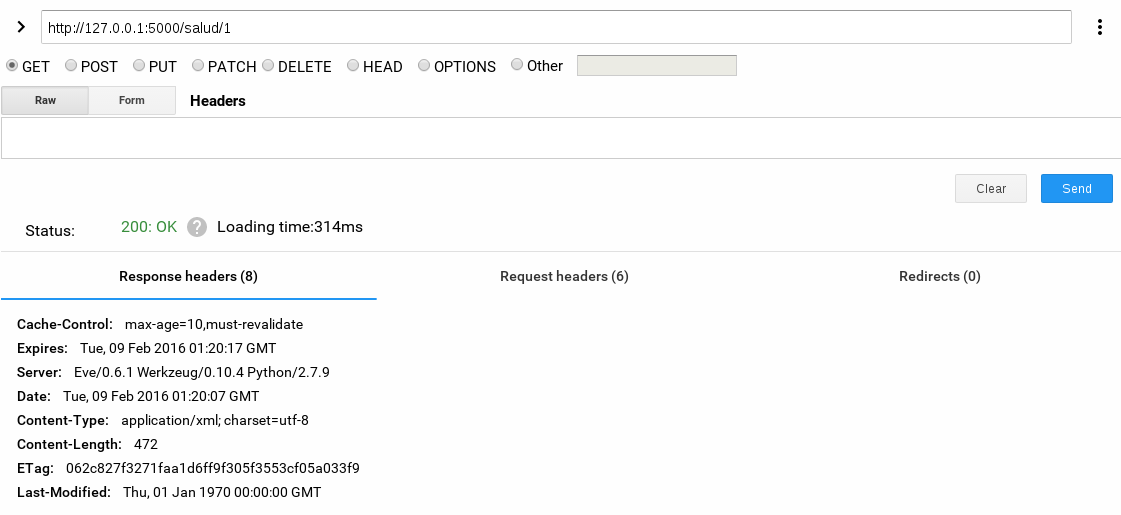
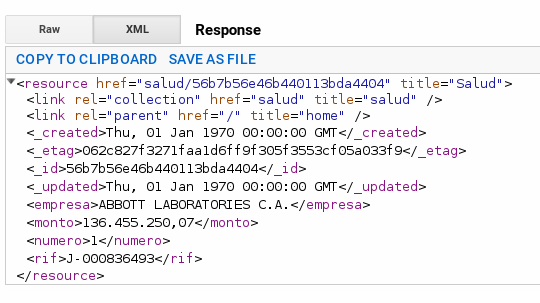
Now we want to access the first number of the report as follows:
http://127.0.0.1:5000/salud/1The result is shown in the following two figures:
Of course, this is a demonstration, but you can try searching by other fields.
Django could be used with the RESTful API framework in order to improve how those mongodb database documents are queried.
The idea was to show how easy it is to publish the data of a Cencoex report. In fact, the most complicated part is extracting the data from a PDF, and information is even lost depending on the document format used; as shown in a previous article, the document is an Excel spreadsheet and information was indeed lost in the extraction.
Institutions that have this information in a database can make the fields they require public as read-only in a RESTful API, which removes the process of searching for information in PDFs.
Here is the proposal that the free software community is working on, on github by the Venezuelan Free Software community.
Here are some youtube videos: Open Government:
https://youtu.be/wcao6i1yDQ4 (broken link)
Open Government Partnership:
https://youtu.be/QbGDoV_HoFY (broken link)
https://youtu.be/Mj7NvmFr5i0 (broken link)
Make a donation! If you liked the article you can make a donation with Bitcoin (BTC) using the digital wallet of your choice to the following address: 17MtNybhdkA9GV3UNS6BTwPcuhjXoPrSzV
Or by scanning the QR code from your wallet:
