A few years ago I wrote an article explaining how to create a python package (Creating a python package from a program).
This article will package the python pywrapper_config module, which was the topic of the following article (Module for accessing configuration files).
The difference from the first article is that this time we will cover how to upload the package to the Python package repositories, from where the pip command can be used to install the module.
The pywrapper_config module is hosted on github at the following link.
The setup.py file contains the following:
#!/usr/bin/env python

from distutils.core import setup

data_files = [('share/pywrapper_config',['pywrapper_config.py','CHANGELOG','README.md','LICENSE'])]

setup(name='pywrapper_config',
      version='0.3.2',
      description='Wrapper to ConfigParser',
      author='Ernesto Crespo',
      author_email='ecrespo@gmail.com',
      url='https://github.com/ecrespo/pywrapper-config',
      license = "GPLv3",
      platforms=['i386','AMD64'],
      py_modules = ['pywrapper_config'],
      data_files =data_files,
      requires = ['ConfigParser'],
     )
Here the name of the application is defined, along with its version, the description of the application, the author with their email, the url where the application is hosted, the license it uses, the platforms it supports, the module it provides, additional files, and what is required for the module to work.
The MANIFEST.in file contains:
include conf-examples/*.conf LICENSE README.md CHANGELOGThe next step is to create an account on the pypi site.
Create the .pypirc file with the following content:
[pypirc]
servers = pypi
[server-login]
username:<miusuario>
password:<miclave>
This file defines that the program will be uploaded to the pypi repository using the user and password already defined.
To create the source packages, the following command will be used:
python setup.py sdist --format=zip,gztarThis command will generate two files in the dist directory:
dist
├── pywrapper_config-0.3.2.tar.gz
└── pywrapper_config-0.3.2.zip
The tar.gz and .zip packages were created.
Next is to register the application:
python setup.py sdist register -r pywrapper_configFinally, to upload the packages, run the following command:
python setup.py sdist --format=zip,gztar upload -r pywrapper_configWhen searching the list of python packages, you get what the following figure shows:
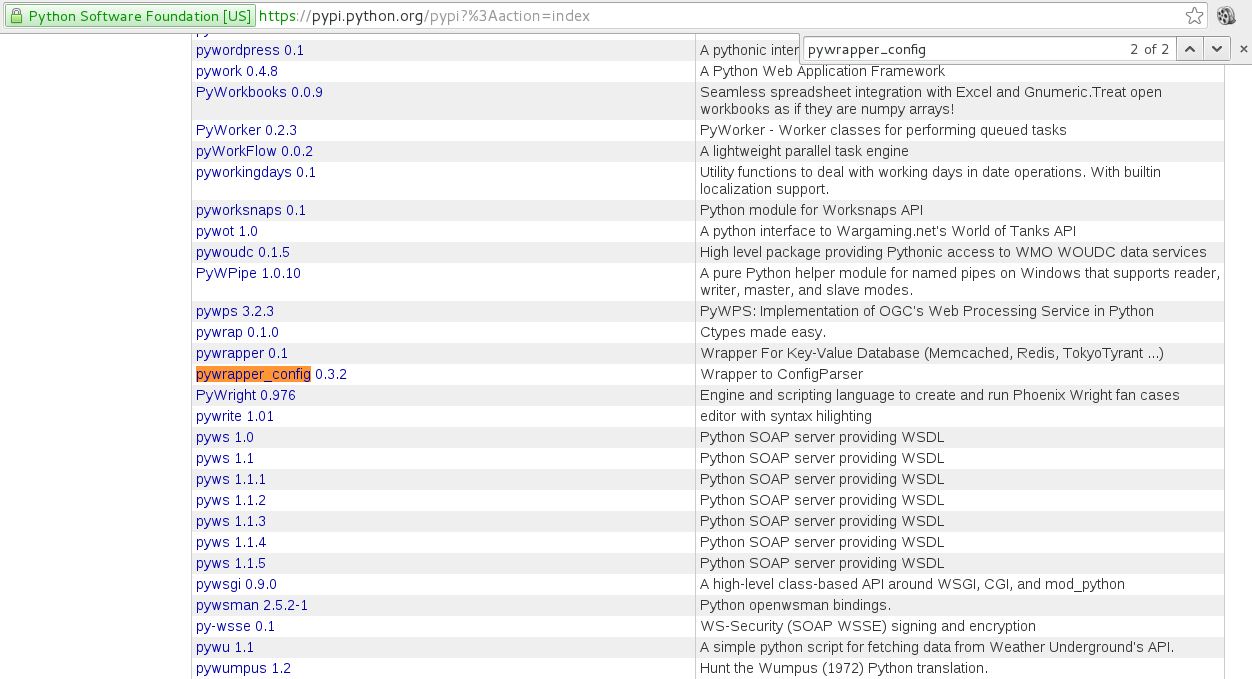
When you click on it you get the following information:
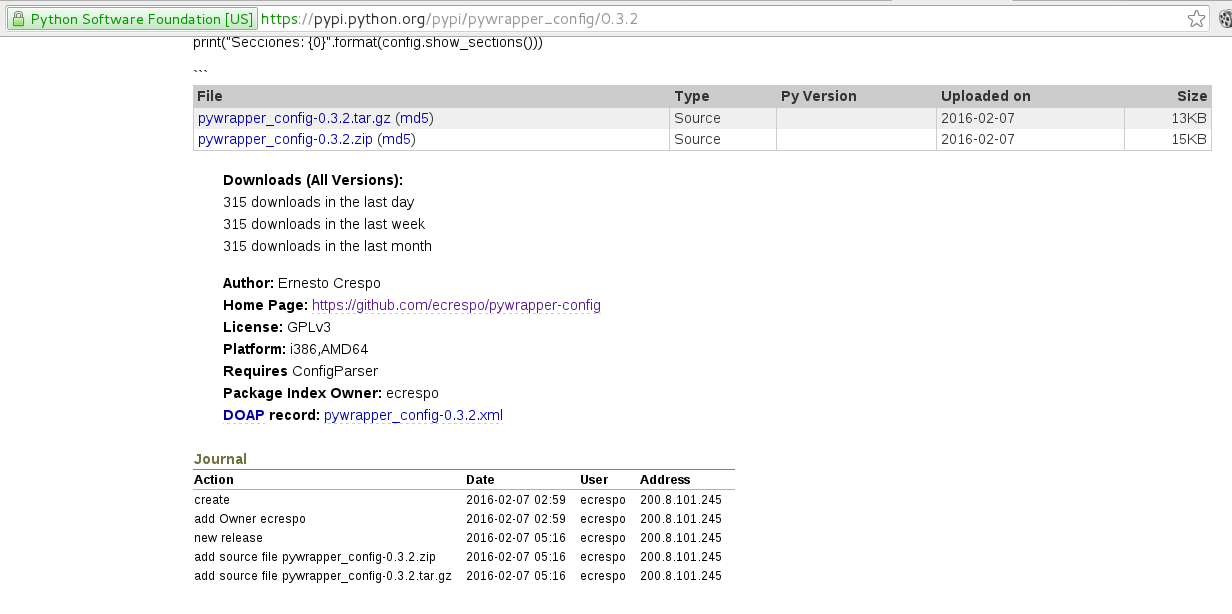
The information shown to the packager is the following:
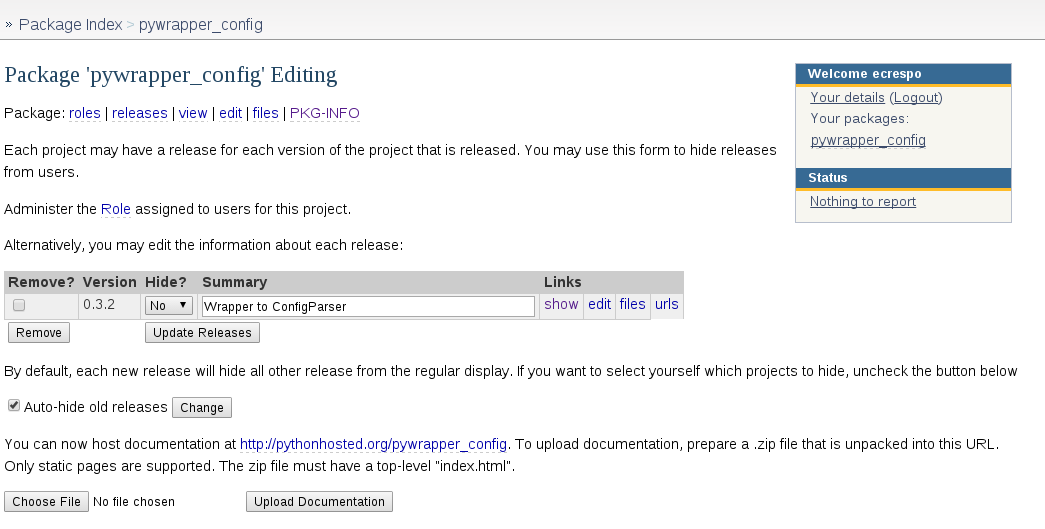
What would remain is the process of creating a Debian package and an rpm.
References:
- Distributing python applications
- The Python package index
- Distributing programs in Python on Pypi (broken link)
- How to submit a package to Pypi (broken link)
Make a donation! If you liked the article you can make a donation with Bitcoin (BTC) using the digital wallet of your choice to the following address: 17MtNybhdkA9GV3UNS6BTwPcuhjXoPrSzV
Or by scanning the QR code from your wallet:
