Sometimes you need to create a notification message on an Android phone. The following post will explain how to create that message.
The code is shown below:
#importar módulos android y time
import android,time

#Crear la instancia de la clase Android
droid = android.Android()

#Se crea el mensaje de notificación.
droid.notify('Prueba' , 'Hola Mundo!')
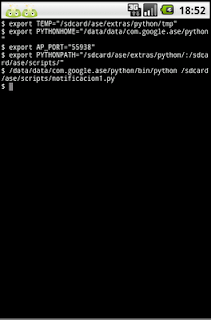
The following figure shows how the notification of a message appears in Android.
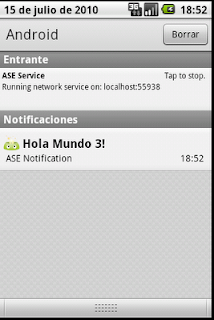
The next figure shows the notification message itself.
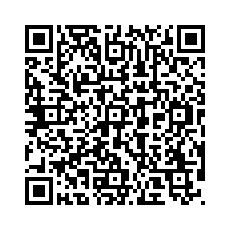
To finish, here is the qr code of the python program.
===
Make a donation! If you liked the article you can make a donation with Bitcoin (BTC) using the digital wallet of your choice to the following address: 17MtNybhdkA9GV3UNS6BTwPcuhjXoPrSzV
Or by scanning the QR code from your wallet:
