Gmote is an application written in java that lets you control the mouse and keyboard.
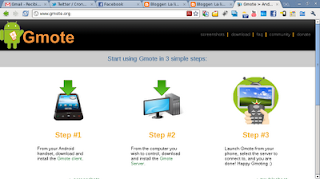
The gmote link is here .
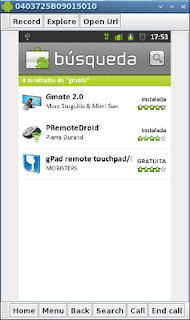
To install it on android, search for gmote in the market and you will find it as shown in the figure.
Once it is installed on the android, all that is left is to download the Linux application from the following link.
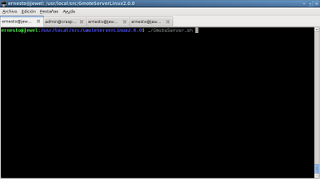
After unpacking the file, run GmoteServer.sh.
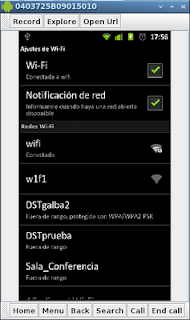
Configure the wifi access of the Android.
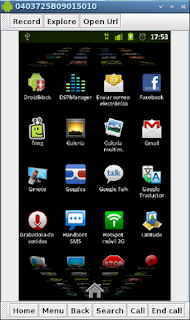
On the Android device, look in the applications and run gmote.
The music player control screen appears; press menu on the phone and Touchpad appears among the options.
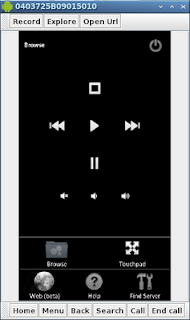
When you press TouchPad you already have control of the mouse on the computer.
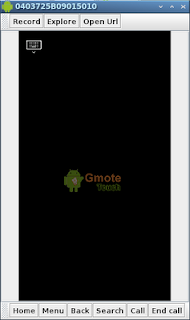
Clicking the keyboard symbol lets us type remotely on the computer.
This gmote option is useful for controlling presentations remotely.
===
Make a donation! If you liked the article you can make a donation with Bitcoin (BTC) using the digital wallet of your choice to the following address: 17MtNybhdkA9GV3UNS6BTwPcuhjXoPrSzV
Or by scanning the QR code from your wallet:
