This article is the start of a series of articles about developing text applications for the console.
Python has the ncurses library, but if you want a more complete library there is urwid.
To install it on Debian with apt-get:
apt-get install python-urwid python3-urwidOr with pip:
pip install urwidIn this first article I will simply do the typical hello world.
#!/usr/bin/env python

#Se importa la libreria urwid

import urwid

#Se define el texto a publicar

txt = urwid.Text(u"Hola Mundo!!! ", align='center')

#Se define el lugar donde se publica el texto

fill = urwid.Filler(txt, 'top')

#Se define una funcion donde si se presiona la tecla q o Q se sale del programa.

def exit(input):

    if input in ('q', 'Q'):

        raise urwid.ExitMainLoop()

#Se define un lazo donde se le pasa fill y la funcion de salida

loop = urwid.MainLoop(fill, unhandled_input=exit)

#Se ejecuta el lazo

loop.run()
Running the script gives what the following figure shows:
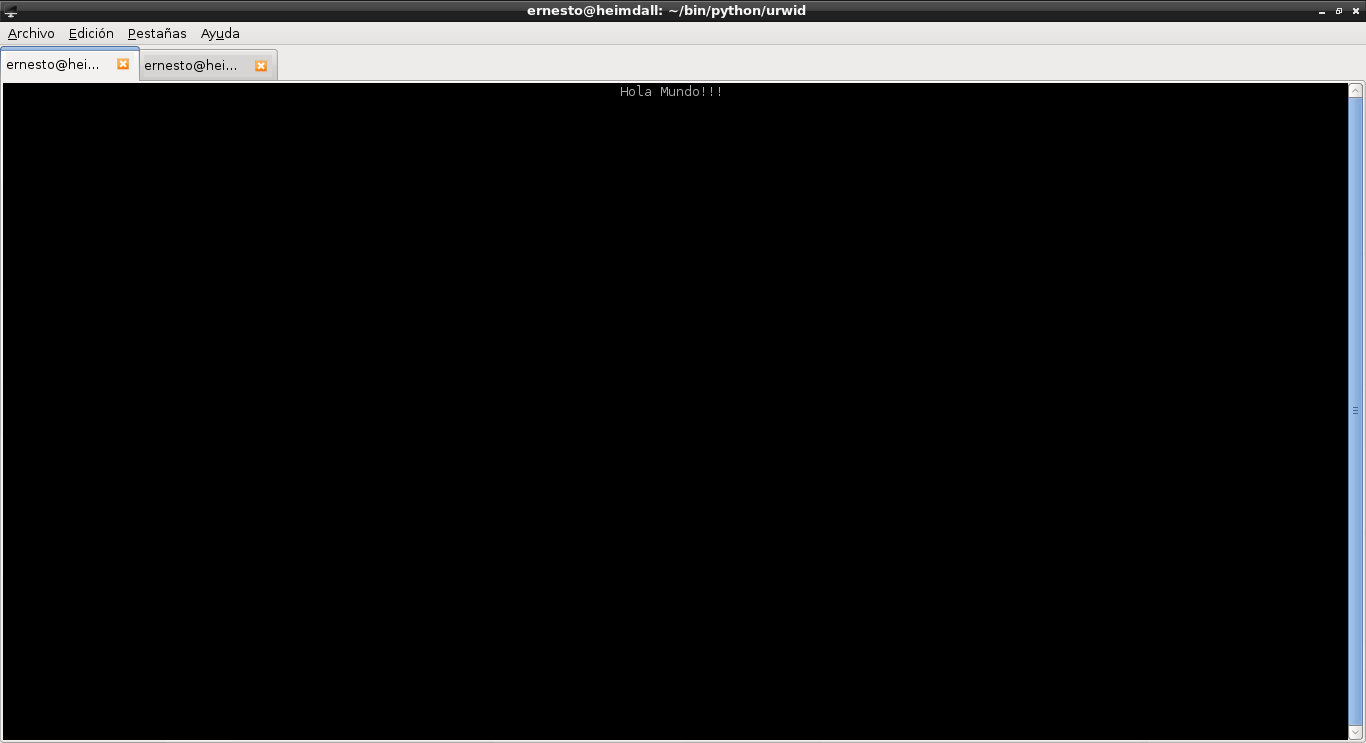
Pressing the q key exits the program.
Make a donation! If you liked this article you can donate with Bitcoin (BTC) using the digital wallet of your choice to the following address: 17MtNybhdkA9GV3UNS6BTwPcuhjXoPrSzV
Or by scanning the QR code from your wallet:
