The following example will explain how to handle 2 windows in an application.
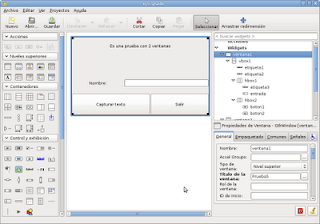
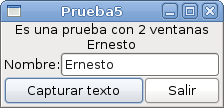
The first window shows 2 labels, one with some text and the other blank, then a data entry field asking for the name, and 2 buttons, one to capture the text and one to exit. When you click the capture text button, another window opens asking whether you are sure about what you want to do; if you accept, the text is shown in the label.
The following figure shows the interface developed with glade.
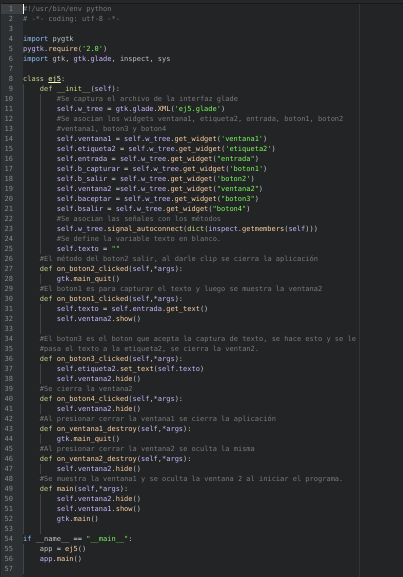
The program code is the following:
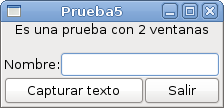
When the program runs, the following figure is shown:
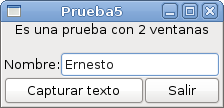
Type the name and press capture text:
When you press capture text, a window opens asking whether you want to accept or quit the application.
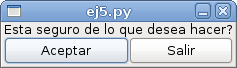
Finally, the captured text is shown in the label.
You can download the application code from github at the following link (broken link).
===
Make a donation! If you liked the article you can make a donation with Bitcoin (BTC) using the digital wallet of your choice to the following address: 17MtNybhdkA9GV3UNS6BTwPcuhjXoPrSzV
Or by scanning the QR code from your wallet:
