Now I will show how to use the combobox widget. The idea is to show a list of countries in the first combo and, when it changes, to change the list of cities according to the country.
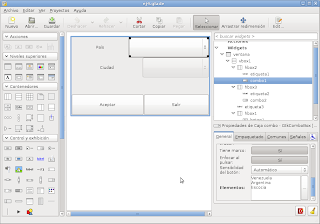
In the interface developed with glade I place 2 comboboxes, 1 label and 2 buttons. The first combobox contains the countries and is filled in from glade; the 2nd combobox is left empty and handled via python. The following figure shows the interface in glade.
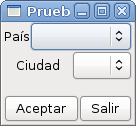
The interface created with glade is shown in the following figure:
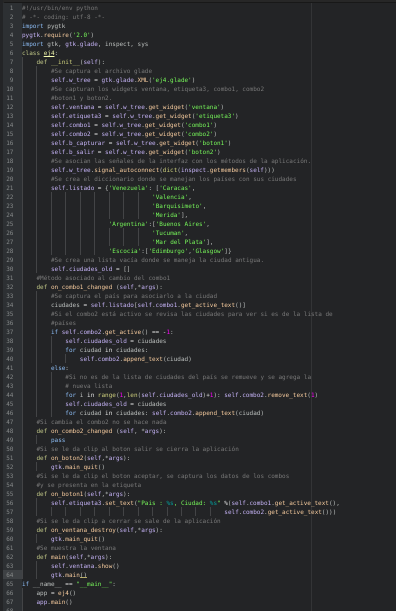
The program code is the following:
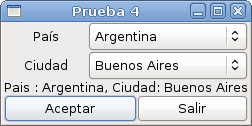
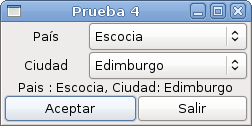
When you run the program, the following is shown:
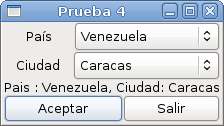
Then you select the country: Venezuela, Argentina or Scotland. Each time you change the country and select the city, then you click the accept button and the country and the city appear in the label.
You can download the application code from github at the following link (broken link).
===
Make a donation! If you liked the article you can make a donation in Bitcoin (BTC) using the digital wallet of your choice to the following address: 17MtNybhdkA9GV3UNS6BTwPcuhjXoPrSzV
Or by scanning the QR code from your wallet:
