Continuing with the articles on ZeroMQ, this time we show the use of the PAIR message pattern (exclusive communication between peers).
The articles are based on Nicholas Piël's article, an Introduction to ZeroMQ (broken link).
Pair sockets are very similar to regular sockets. Communication is bidirectional, there is no specific state stored inside the socket, and it can only connect to one peer.
The figure represents the structure of pair sockets: the server listens on a secure port and a client connects to it. The red lines show the flow of messages; in this pattern both ends use the pair pattern, and messages flow in both directions.
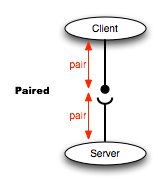
The server code is shown below:
#!/usr/bin/env python

#Importar zmq
import zmq
#Se crea la instancia del contexto
context = zmq.Context()
#Se crea el socket del tipo PAR
socket = context.socket(zmq.PAIR)
#Se asocia a una IP y puerto donde escucha el servidor.
socket.bind("tcp://127.0.0.1:5555")
#Se crea un ciclo.
while True:
    #Se recibe un mensaje del cliente
    mensaje = socket.recv()
    #Se muestra en pantalla
    print "Recivo", mensaje
    #Se envia de vuelta el mensaje
    socket.send(mensaje)
The client code is the following:
#!/usr/bin/env python
#Se importa zmq
import zmq
#Se crea la instancia del contexto
context = zmq.Context()
#Se crea el socket con argumento del tipo de mensaje Par.
socket = context.socket(zmq.PAIR)
#Se conecta al servidor dado la IP y puerto.
socket.connect("tcp://127.0.0.1:5555")
#Se crea un cilo de 100 repeticiones.
for i in range(100):
    #Se define el mensaje a pasar
    mensaje = "mensaje %s" % i
    #Se pasa el mensaje al servidor
    socket.send(mensaje)
    #Se presenta en pantalla el mensaje
    print "Enviando", mensaje
    #Se recibe el mensaje de vuelta
    msg_in = socket.recv()
    #Se presenta en pantalla el mensaje de vuelta
    print "Recibido:", msg_in
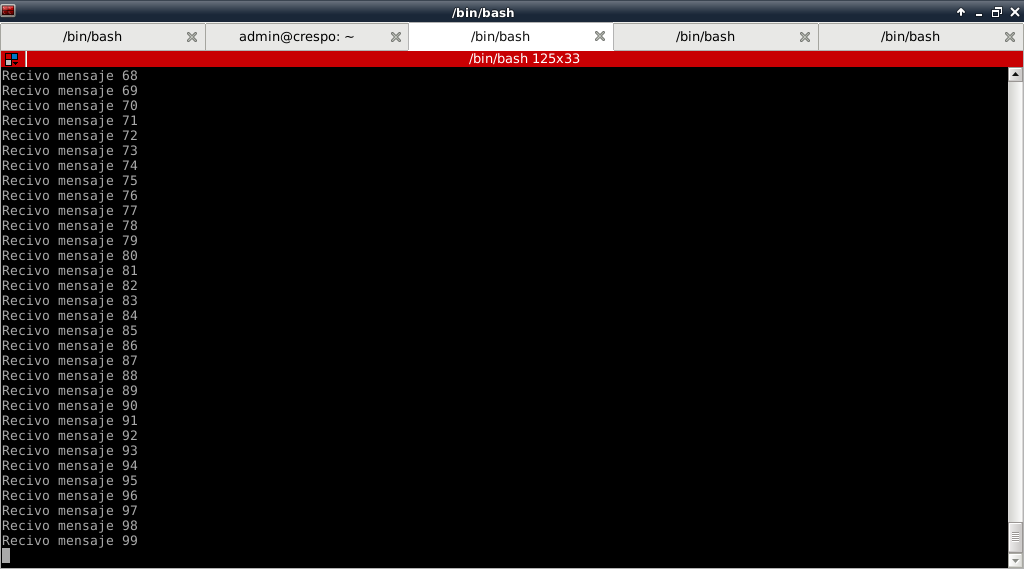
The result on the server side is shown in the following figure:
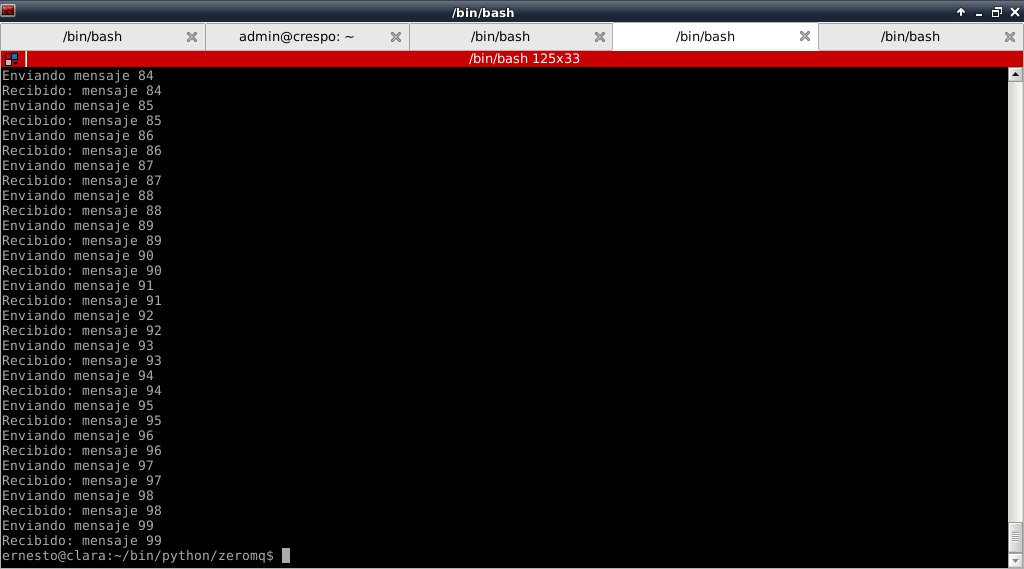
The result on the client side is shown in the following figure:
When trying to run 2 clients at the same time, the server ends with an error message because it only handles bidirectional communication with a single peer.
Make a donation! If you liked the article you can make a donation with Bitcoin (BTC) using the digital wallet of your choice to the following address: 17MtNybhdkA9GV3UNS6BTwPcuhjXoPrSzV
Or by scanning the QR code from the wallet:
