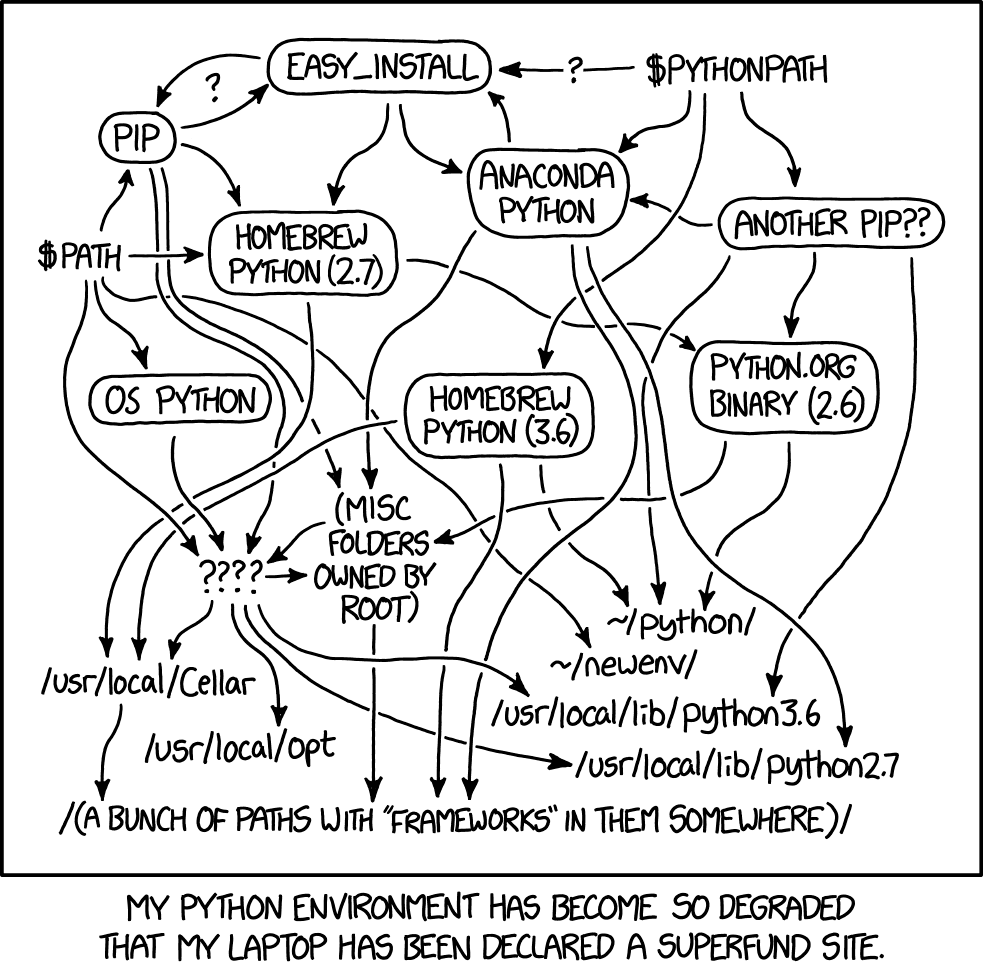
What is Pyenv?
It is a tool to install and manage multiple versions of Python. It lets developers get quick access to new Python versions and keep their system clean and free of unnecessary packages.
Updating and installing dependencies.
On ubuntu, the first thing you need is an up-to-date system so you can install the dependencies pyenv needs:
sudo apt update -yInstalling dependencies:
apt install -y make build-essential libssl-dev zlib1g-dev libbz2-dev libreadline-dev libsqlite3-dev wget curl llvm libncurses5-dev libncursesw5-dev xz-utils tk-dev libffi-dev liblzma-dev python-openssl gitCloning the pyenv repository
To get the latest version of pyenv, clone the pyenv git repository:
git clone https://github.com/pyenv/pyenv.git ~/.pyenvConfigure the environment
Define the following variables:
- If you use bash:
echo 'export PYENV_ROOT="$HOME/.pyenv"' >> ~/.bashrc
echo 'export PATH="$PYENV_ROOT/bin:$PATH"' >> ~/.bashrc
echo -e 'if command -v pyenv 1>/dev/null 2>&1; then\n eval "$(pyenv init -)"\nfi' >> ~/.bashrc- If you use zsh:
echo 'export PYENV_ROOT="$HOME/.pyenv"' >> ~/.zshrc
echo 'export PATH="$PYENV_ROOT/bin:$PATH"' >> ~/.zshrc
echo -e 'if command -v pyenv 1>/dev/null 2>&1; then\n eval "$(pyenv init -)"\nfi' >> ~/.zshrc
Activate pyenv
To activate pyenv, restart the shell:
- Re-run the shell:
exec "$SHELL"- Or source the file:
For bash:
source .bashrcFor zsh:
source .zshrcVerify the installation
To verify the pyenv installation you can check the installed version:
❯ pyenv --version
pyenv 2.2.2-10-g943c5f99
List the installed Python versions
To see the Python versions that can be installed, run:
pyenv install --listThis returns the list of Python versions:
Available versions:
  2.1.3
  2.2.3
  2.3.7
  2.4.0
  2.5.0
  2.6.0
  2.7.0
  3.0.1
  3.1.0
  3.2.0
  3.3.0
  3.4.0
  3.5.0
  3.6.0
  3.7.0
  3.8.0
  3.9.0
  3.10.0
  3.11.0a3
  activepython-2.7.14
  anaconda3-2021.05
  graalpython-21.3.0
  ironpython-2.7.7
  jython-2.7.2
  mambaforge-4.10.3-10
  micropython-1.17
  miniconda3-4.7.12
  miniforge3-4.10.3-10
  pypy3.8-7.3.7
  pyston-2.3.1
  stackless-3.7.5
Note: This shows a small subset of the full list.
To see which Python version is in use:
❯ pyenv versions
  system
* 3.9.9 (set by /home/ernesto/.python-version)
On my machine I am using version 3.9.9.
To install a version
In my case I am going to switch to version 3.10
❯ pyenv install 3.10.0
Downloading Python-3.10.0.tar.xz...
-> https://www.python.org/ftp/python/3.10.0/Python-3.10.0.tar.xz
Installing Python-3.10.0...
patching file aclocal.m4
patching file configure
Hunk #5 succeeded at 10537 (offset -15 lines).
python-build: use readline from homebrew
python-build: use zlib from homebrew
Installed Python-3.10.0 to /home/ernesto/.pyenv/versions/3.10.0
Now version 3.10.0 is available but it is not the default:
pyenv versions
  system
  3.10.0
* 3.9.9 (set by /home/ernesto/.python-version)
Use a Python version:
pyenv local 3.10.0Now 3.10.0 is selected:
pyenv versions
  system
* 3.10.0 (set by /home/ernesto/.python-version)
  3.9.9
Running Python gives that version:
❯ python
Python 3.10.0 (default, Dec 26 2021, 15:25:54) [GCC 11.2.0] on linux
Type "help", "copyright", "credits" or "license" for more information.
>>>
You can use global instead of local, which makes that Python version apply everywhere.
With this, you can move on to installing poetry.
Poetry
It is a tool for managing dependency installation as well as building and packaging Python projects.
Installation
On Linux, run the following:
curl -sSL https://raw.githubusercontent.com/python-poetry/poetry/master/get-poetry.py | python -This downloads the get-poetry script and runs it.
To validate that poetry is installed, check the version:
❯ poetry --version
Poetry version 1.1.12
At this point you can use poetry to create a virtual environment that manages a project's dependencies.
To enable completion:
For bash:
poetry completions bash > /etc/bash_completion.d/poetry.bash-completionFor zsh:
poetry completions zsh > ~/.zfunc/_poetryFor oh my zsh:
mkdir $ZSH_CUSTOM/plugins/poetry
poetry completions zsh > $ZSH_CUSTOM/plugins/poetry/_poetry
Using poetry in a project.
In this case we will use the project that generates the content of this blog.
In the project directory, run poetry init:
❯ poetry init

This command will guide you through creating your pyproject.toml config.

Package name [ecrespo.github.io]:
Version [0.1.0]:
Description []:
Author [Ernesto Crespo <ecrespo@gmail.com>, n to skip]:
License []:
Compatible Python versions [^3.9]:  ^3.10.0

Would you like to define your main dependencies interactively? (yes/no) [yes] no
Would you like to define your development dependencies interactively? (yes/no) [yes] no
Generated file

[tool.poetry]
name = "ecrespo.github.io"
version = "0.1.0"
description = ""
authors = ["Ernesto Crespo <ecrespo@gmail.com>"]

[tool.poetry.dependencies]
python = "^3.10.0"

[tool.poetry.dev-dependencies]

[build-system]
requires = ["poetry-core>=1.0.0"]
build-backend = "poetry.core.masonry.api"


Do you confirm generation? (yes/no) [yes] yes
This generates a pyproject.toml file with the following content:
[tool.poetry]
name = "ecrespo.github.io"
version = "0.1.0"
description = ""
authors = ["Ernesto Crespo <ecrespo@gmail.com>"]

[tool.poetry.dependencies]
python = "^3.9.0"

[tool.poetry.dev-dependencies]

[build-system]
requires = ["poetry-core>=1.0.0"]
build-backend = "poetry.core.masonry.api"
To activate the environment, run poetry shell:
poetry shell
The virtual environment found in /home/ernesto/proyectos/ecrespo.github.io/.venv seems to be broken.
Recreating virtualenv ecrespo.github.io in /home/ernesto/proyectos/ecrespo.github.io/.venv
Spawning shell within /home/ernesto/proyectos/ecrespo.github.io/.venv
This project, which is the blog, uses pelican as its static content generator engine. To install it, run:
❯ poetry add pelican
Using version ^4.7.1 for pelican

Updating dependencies
Resolving dependencies... (17.7s)

Writing lock file

Package operations: 14 installs, 0 updates, 0 removals

  • Installing colorama (0.4.4)
  • Installing commonmark (0.9.1)
  • Installing markupsafe (2.0.1)
  • Installing pygments (2.10.0)
  • Installing pytz (2021.3)
  • Installing six (1.16.0)
  • Installing blinker (1.4)
  • Installing docutils (0.18.1)
  • Installing feedgenerator (2.0.0)
  • Installing jinja2 (3.0.3)
  • Installing python-dateutil (2.8.2)
  • Installing rich (10.16.1)
  • Installing unidecode (1.3.2)
  • Installing pelican (4.7.1)
This makes the pyproject.toml file include the package:
[tool.poetry]
name = "ecrespo.github.io"
version = "0.1.0"
description = ""
authors = ["Ernesto Crespo <ecrespo@gmail.com>"]

[tool.poetry.dependencies]
python = "^3.9.0"
pelican = "^4.7.1"

[tool.poetry.dev-dependencies]

[build-system]
requires = ["poetry-core>=1.0.0"]
build-backend = "poetry.core.masonry.api"
To leave the environment, run exit.
With this, poetry is up and running.
References:
The links used to write the article are the following:
- Why you should use pyenv + Pipenv for your Python projects (broken link)
- Howto install pyenv on Ubuntu 18.04 (broken link)
- Poetry
- Pyenv
- Python Virtual Environments Tutorial using Virtualenv and Poetry (broken link)
Make a donation! If you liked the article you can make a donation with Bitcoin (BTC) using the digital wallet of your choice to the following address: 17MtNybhdkA9GV3UNS6BTwPcuhjXoPrSzV
Or by scanning the QR code from your wallet:
