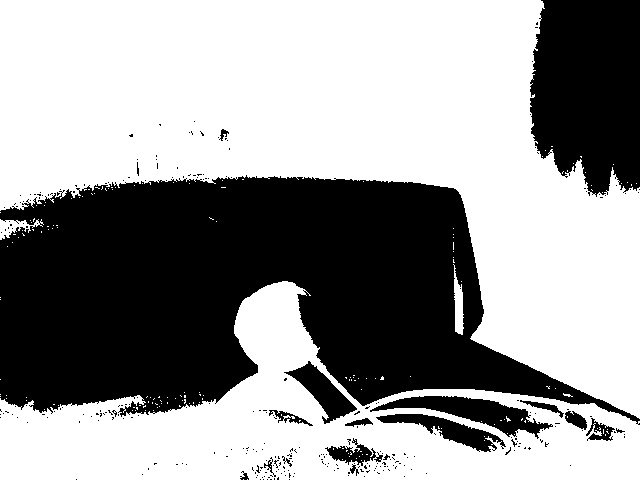
This article explains how to convert an image to two colors, that is, take a normal photo and turn it into black and white.
The binarized function will be used; you can pass it a value between 0 and 255 (where zero is black and 255 is white).
Take the image and then apply the function to it.
The original image is shown below:

The code is shown below:
#!/usr/bin/env python

#Se importa Image de SimpleCV

from SimpleCV import Image

#Se crea la instancia Imagen tomando la imagen

#imagen1.png

imagen = Image('imagen1.png')

#Se ejecuta binarize a la imagen

#sin argumentos.

imgBin = imagen.binarize()

#Se salva la imagen como resultado3.jpg

imgBin.save("resultado.jpg")
The generated image is shown below:
Make a donation! If you liked the article you can make a donation with Bitcoin (BTC) using the digital wallet of your choice to the following address: 17MtNybhdkA9GV3UNS6BTwPcuhjXoPrSzV
Or by scanning the QR code from the wallet:
