Happy new year, everyone. It had been a while since I last wrote on the blog.
This article is about how to use the Feedparser library to extract information from this blog's RSS.
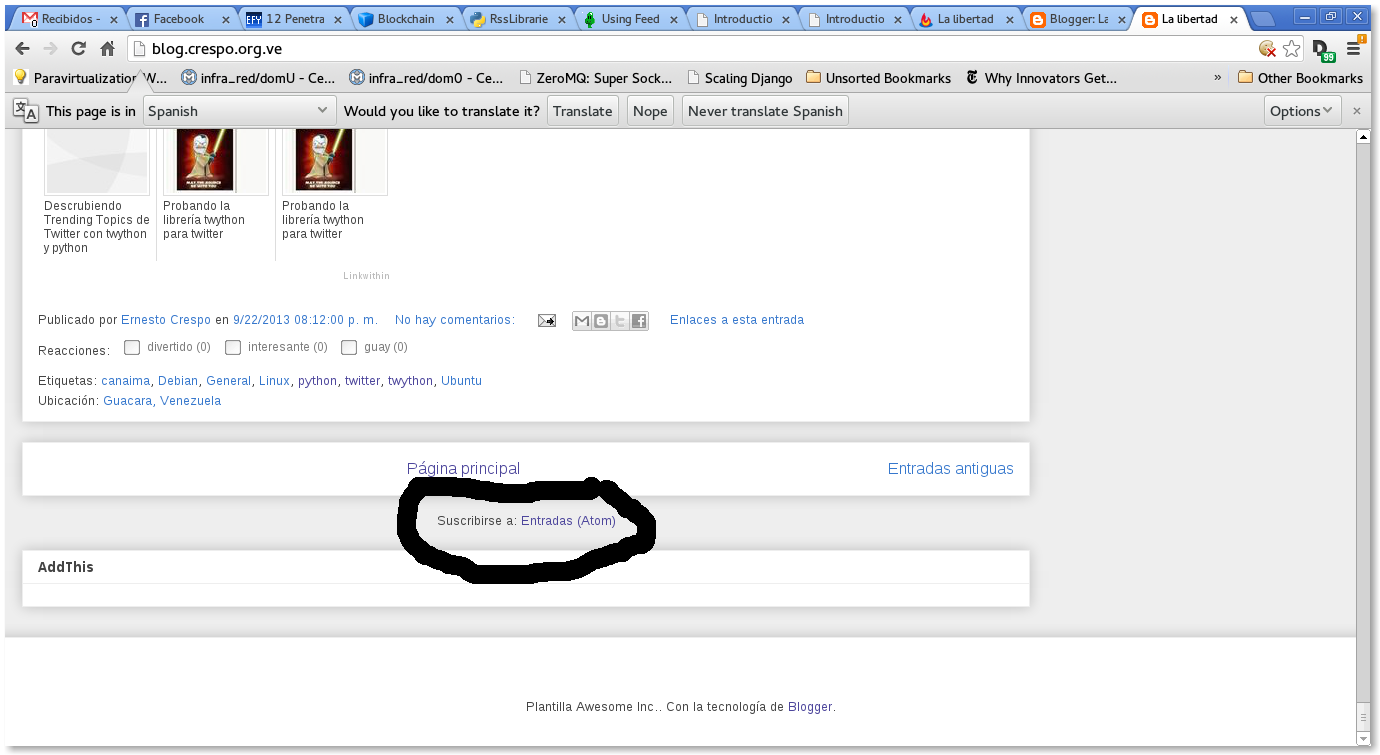
At the bottom of the blog (blog.crespo.org.ve) there is the Blog subscription through Atom (see image):
When you click the link, the following appears (http://feeds.feedburner.com/LaLibertadDeDesarrollarNoTienePrecio):
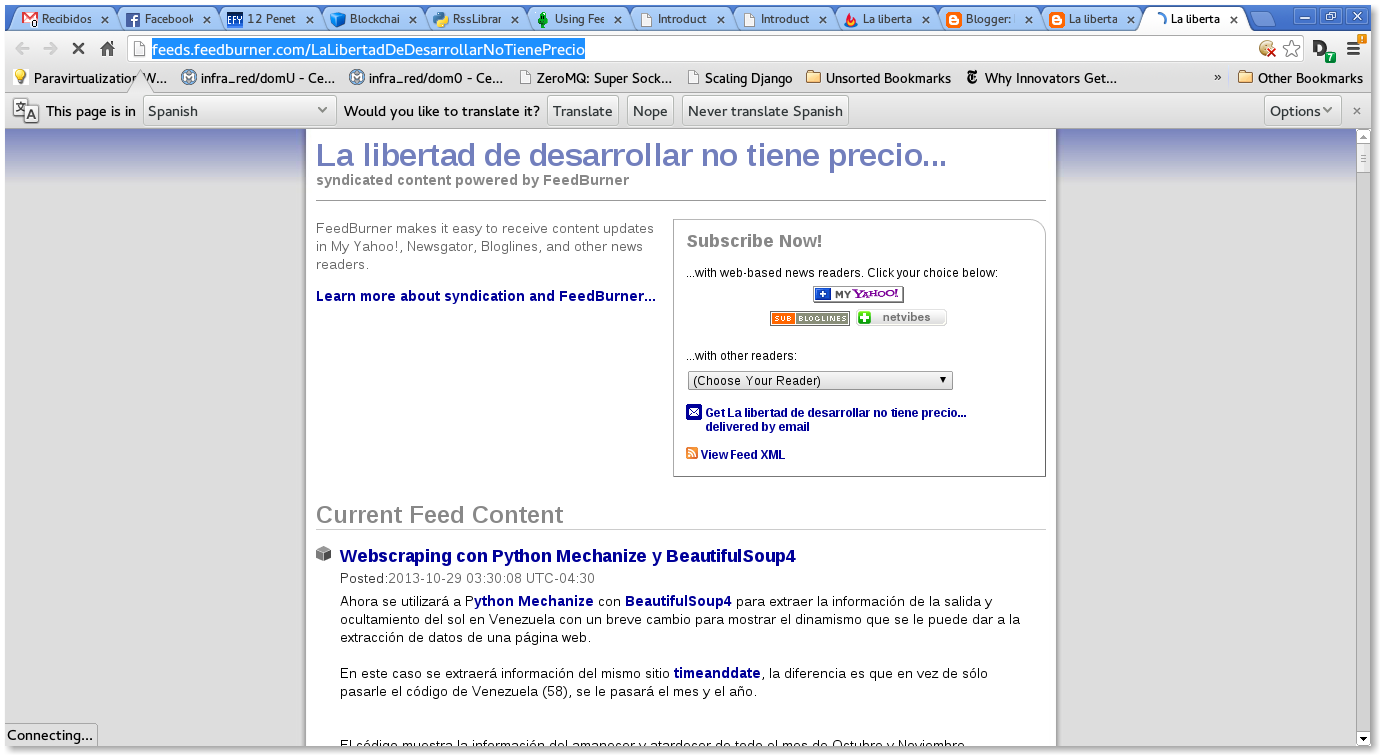
The blog is syndicated through FeedBurner.
The idea is to use the feedparser library to extract information from the blog's syndication.
Import the feedparser library:
>>>import feedparserInstantiate the parse class with the blog's syndication url:
>>>d = feedparser.parse('http://feeds.feedburner.com/LaLibertadDeDesarrollarNoTienePrecio')Show the blog title:
>>> d['feed']['title']

u'La libertad de desarrollar no tiene  precio...'
Another way to get the blog title:
>>> d.feed.title

u'La libertad de desarrollar no tiene  precio...'
Blog link:
>>> d.feed.link

u'http://blog.crespo.org.ve/'
Blog description:
>>> d.feed.description

u'Blog dedicado al Software Libre en especial Linux Debian, Android y FreeBSD, a la programaci\xf3n en python con gtk, qt y en Android.'
Dictionary elements:
>>> d.keys()

['feed', 'status', 'updated', 'updated_parsed', 'encoding', 'bozo', 'headers', 'etag', 'href', 'version', 'entries', 'namespaces']
To get the blog author, run author on feed:
>>> d.feed.author

u'Ernesto Crespo (noreply@blogger.com)'
The blog's text encoding is UTF-8:
>>> d.encoding

u'UTF-8'
Status:
>>> d.status

200
Update:
>>> d.updated

'Sun, 19 Jan 2014 00:03:47 GMT'
In this case it returns the time but with the information split up:
>>> d.updated_parsed

time.struct_time(tm_year=2014, tm_mon=1, tm_mday=19, tm_hour=0, tm_min=3, tm_sec=47, tm_wday=6, tm_yday=19, tm_isdst=0)
Blog headers:
>>> d.headers

{'alternate-protocol': '80:quic', 'x-xss-protection': '1; mode=block', 'x-content-type-options': 'nosniff', 'expires': 'Sun, 19 Jan 2014 01:01:50 GMT', 'server': 'GSE', 'last-modified': 'Sun, 19 Jan 2014 00:03:47 GMT', 'connection': 'close', 'etag': 'hSh9ZbFEawbSc3BqlNVkqha27os', 'cache-control': 'private, max-age=0', 'date': 'Sun, 19 Jan 2014 01:01:50 GMT', 'content-type': 'text/xml; charset=UTF-8'}
Link:
>>> d.href

u'http://feeds.feedburner.com/LaLibertadDeDesarrollarNoTienePrecio'
RSS type (Atom1.0):
>>> d.version

u'atom10'
Number of entries:
>>> len(d.entries)

25
To get the title of the latest entry on the blog:
>>> d.entries[0].title

u'Webscraping con Python Mechanize y BeautifulSoup4'
To see the content of the latest entry (in html):
>>> d.entries[0]

.....

'guidislink': True, 'published': u'2013-10-29T03:30:00.000-04:30', u'thr_total': u'0'}
It returns a dictionary containing html code and additional information.
To get the link of the latest article:
>>> d.entries[0].link

u'http://feedproxy.google.com/~r/LaLibertadDeDesarrollarNoTienePrecio/~3/A9jUi9ATI2g/webscraping-con-python-mechanize-y.html'
The publication date of the latest article:
>>> d.entries[0].published

u'2013-10-29T03:30:00.000-04:30'
The id of the latest article:
>>> d.entries[0].id

u'tag:blogger.com,1999:blog-882744969176160062.post-8013337259867824164'
To list the latest 25 articles with their title and link, run a loop:
>>> for post in d.entries:

...     print post.title + ": " + post.link + "\n"

...

Webscraping con Python Mechanize y BeautifulSoup4: http://feedproxy.google.com/~r/LaLibertadDeDesarrollarNoTienePrecio/~3/A9jUi9ATI2g/webscraping-con-python-mechanize-y.html


Extracción de datos con Scraperwiki y Python: http://feedproxy.google.com/~r/LaLibertadDeDesarrollarNoTienePrecio/~3/UbQD5y9jbr0/extraccion-de-datos-con-scraperwiki-y.html


Extracción de datos de página web con pyquery y Python: http://feedproxy.google.com/~r/LaLibertadDeDesarrollarNoTienePrecio/~3/1QbC7CmSqpk/extraccion-de-datos-de-pagina-web-con.html


Extracción de datos de páginas web con Scrapemark y Python: http://feedproxy.google.com/~r/LaLibertadDeDesarrollarNoTienePrecio/~3/g2iUGraxW0M/extraccion-de-datos-de-paginas-web-con.html


Extracción de datos en páginas web con Webscraping y Python: http://feedproxy.google.com/~r/LaLibertadDeDesarrollarNoTienePrecio/~3/W9NyMTnRYok/extraccion-de-datos-en-paginas-web-con.html


Webscraping o extracción de datos de páginas web con BeautifulSoup4 y Python: http://feedproxy.google.com/~r/LaLibertadDeDesarrollarNoTienePrecio/~3/xFr0x9bSo7E/webscraping-o-extraccion-de-datos-de.html


Un introducción a Beautiful Soup 4 en Python.: http://feedproxy.google.com/~r/LaLibertadDeDesarrollarNoTienePrecio/~3/_7MGtsSCnPg/un-introduccion-beautiful-soup-4-en.html


Obtener información de metadatos EXIF de una imagen con Python: http://feedproxy.google.com/~r/LaLibertadDeDesarrollarNoTienePrecio/~3/8U6SjV9RS-w/obtener-informacion-de-metadatos-exif.html


Mostrar tweets en tiempo real con twython y el API Stream de Twitter: http://feedproxy.google.com/~r/LaLibertadDeDesarrollarNoTienePrecio/~3/jdMIKN04gDs/mostrar-tweets-en-tiempo-real-con.html


Descrubiendo Trending Topics de Twitter con twython y python: http://feedproxy.google.com/~r/LaLibertadDeDesarrollarNoTienePrecio/~3/hfKN5Cat5Hw/descrubiendo-trending-topics-de-twitter.html


Probando la librería twython para twitter: http://feedproxy.google.com/~r/LaLibertadDeDesarrollarNoTienePrecio/~3/qfv-BUMniFA/probando-la-libreria-twython-para.html


Manejo de sesión en el ORM sqlalchemy: http://feedproxy.google.com/~r/LaLibertadDeDesarrollarNoTienePrecio/~3/OjR1D7SxjGQ/manejo-de-sesion-en-el-orm-sqlalchemy.html


Bajar vídeos de youtube desde Python con Pafy.: http://feedproxy.google.com/~r/LaLibertadDeDesarrollarNoTienePrecio/~3/IV42QCqWZA8/bajar-videos-de-youtube-desde-python.html


Día Debian en Barquisimeto: http://feedproxy.google.com/~r/LaLibertadDeDesarrollarNoTienePrecio/~3/fK8Q4DtjW8c/dia-debian-en-barquisimeto.html


Nodos más influenyes en un grafo con networkx. Parte 4.: http://feedproxy.google.com/~r/LaLibertadDeDesarrollarNoTienePrecio/~3/knGC3Agy03M/nodos-mas-influenyes-en-un-grafo-con.html


Mejorar la privacidad en celulares y tabletas con Android: http://feedproxy.google.com/~r/LaLibertadDeDesarrollarNoTienePrecio/~3/WHiecOQggP4/mejorar-la-privacidad-en-celulares-y.html


Graficar la tangente de una curva con python, numpy y pylab.: http://feedproxy.google.com/~r/LaLibertadDeDesarrollarNoTienePrecio/~3/YB9pcnkSjPg/graficar-la-tangente-de-una-curva-con.html


Utilizando el API de Stream de Twitter con Python y tweetstream. Parte 1.: http://feedproxy.google.com/~r/LaLibertadDeDesarrollarNoTienePrecio/~3/4XndFuAR-wQ/utilizando-el-api-de-stream-de-twitter.html


Máquinas virtuales con kvm y qemu: http://feedproxy.google.com/~r/LaLibertadDeDesarrollarNoTienePrecio/~3/hBovEziYwnM/maquinas-virtuales-con-kvm-y-qemu.html


Descubriendo trending topics de twitter con python-twitter.: http://feedproxy.google.com/~r/LaLibertadDeDesarrollarNoTienePrecio/~3/kAqQ7BRC_4w/descubriendo-trending-topics-de-twitter.html


Descubrir equipos en una Red Local con Python (ipcalc y scapy).: http://feedproxy.google.com/~r/LaLibertadDeDesarrollarNoTienePrecio/~3/KSulfIHpfaA/descubrir-equipos-en-una-red-local-con.html


Resolución de sistemas de ecuaciones lineales por descomposión QR usando Numpy: http://feedproxy.google.com/~r/LaLibertadDeDesarrollarNoTienePrecio/~3/KJ6mmAemwzk/resolucion-de-sistemas-de-ecuaciones.html


Creación de gráfico de burbujas con matplotlib: http://feedproxy.google.com/~r/LaLibertadDeDesarrollarNoTienePrecio/~3/Lu7ps2Z-zQI/creacion-de-grafico-de-burbujas-con.html


Manejar información de un archivo csv con csvkit: http://feedproxy.google.com/~r/LaLibertadDeDesarrollarNoTienePrecio/~3/6opCWEx9RoU/manejar-informacion-de-un-archivo-csv.html


Teorema de muestreo explicado con numpy: http://feedproxy.google.com/~r/LaLibertadDeDesarrollarNoTienePrecio/~3/VoY_nZzRtwY/teorema-de-muestreo-explicado-con-numpy.html
This way you can access blog RSS feeds with python. The next article will try to shorten urls from python.
Make a donation! If you liked the article you can make a donation with Bitcoin (BTC) using the digital wallet of your choice to the following address: 17MtNybhdkA9GV3UNS6BTwPcuhjXoPrSzV
Or by scanning the QR code from the wallet:
