Raspberry Pi is a low-cost single-board computer (more information on wikipedia) developed in the United Kingdom.
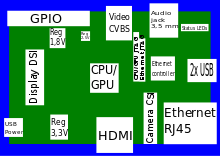
The following figure shows a diagram of the board:
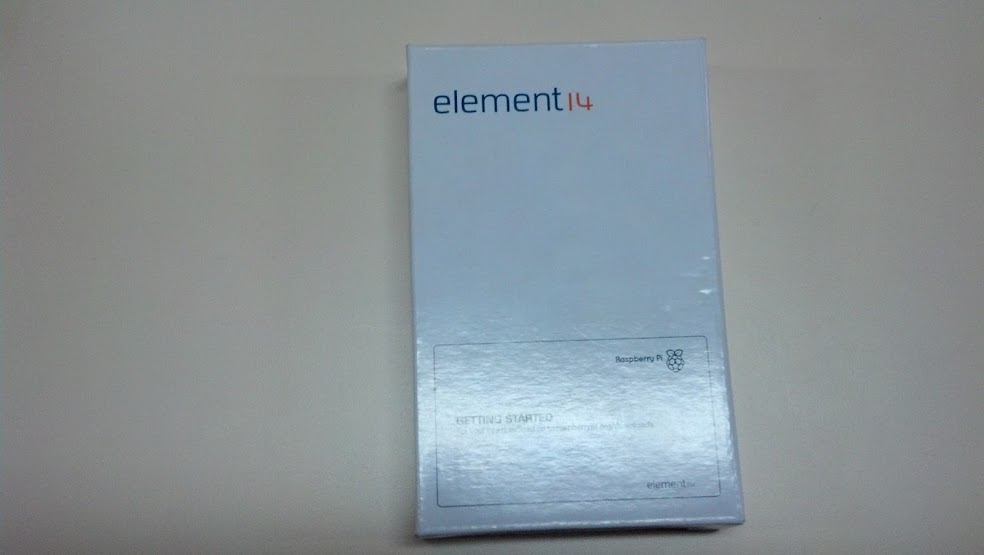
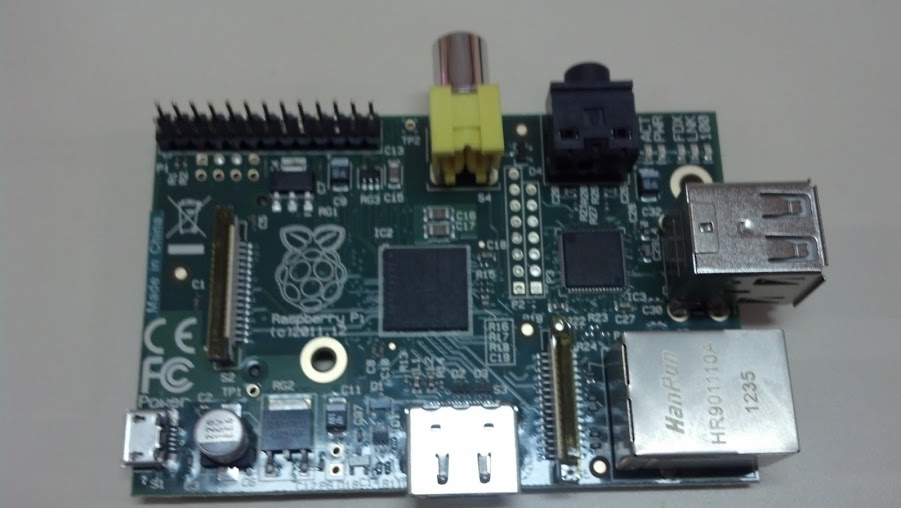
Below are 2 photos of the unboxing of the Raspberry Pi that arrived a week ago:
To get the board running you need the following:
- A VGA monitor to HDMI cable.
- An SD memory card (minimum 8 GB).
- A USB keyboard and mouse.
- A network cable.
- A microusb phone charger.
- A version of Linux (in this case Raspbian, a version of Debian Wheezy for the ARM architecture).
You can download Raspbian from the following link, the SHA-1 number to verify the integrity of the file is the following: 514974a5fcbbbea02151d79a715741c2159d4b0a.
The system user is pi and the password is raspberry.
To install the Raspbian image on the SD card you need to put the card in a computer, decompress the downloaded file and run a dd from the command line (in this case the card is at /dev/sdb; you must verify the card's identification before running the command):
dd dd bs=1M if=./2012-12-16-wheezy-raspbian.img of=/dev/sdb

1850+0 registros leídos
1850+0 registros escritos
1939865600 bytes (1,9 GB) copiados, 1610,06 s, 1,2 MB/s
The following video shows the raspbian boot process.
Video showing the raspbian configuration:
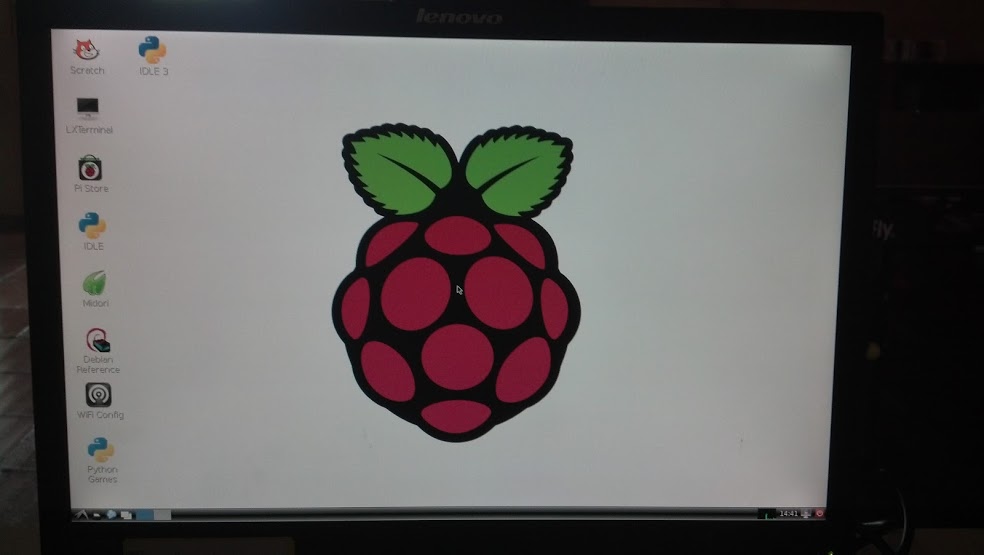
Finally, a photo of the Raspbian LXDE desktop is shown:
Make a donation! If you liked the article you can make a donation with Bitcoin (BTC) using the digital wallet of your choice to the following address: 17MtNybhdkA9GV3UNS6BTwPcuhjXoPrSzV
Or by scanning the QR code from your wallet:
