Django is a web development framework written in Python that uses the MTV paradigm: Model, Template and View.
To install django on Debian you can use apt-get:
apt-get install python-djangoIf you want to install the latest version of Django you can use easy_install or pip:
easy_install djangoor
pip install djangoOnce django is installed, create a project:
django-admin startproject pruebas
The pruebas directory is created.
Inside that directory you have the following:
manage.py: Command-line interface for the applications.pruebas: Project directory.
Inside that directory you have the following:
__init__.py: Defines it as a Python package.settings.py: Project-specific configuration file.urls.py: Global URL configuration.wsgi.py: WSGI configuration for the pruebas project.
The settings.py file contains the following:
Enable debug mode for the web application and the template:
DEBUG = True
TEMPLATE_DEBUG = DEBUG
Define the project admin:
ADMINS = (
    ('Ernesto Nadir Crespo Avila', 'ecrespo@gmail.com'),
)
Define the database to use (you can use mysql, postgresql, sqlite3 or oracle, and with an extension you can use mongodb), with the configuration needed to connect to that database:
DATABASES = {
    'default': {
        'ENGINE': 'django.db.backends.', # Add 'postgresql_psycopg2', 'mysql', 'sqlite3' or 'oracle'.
        'NAME': '',                      # Or path to database file if using sqlite3.
        'USER': '',                      # Not used with sqlite3.
        'PASSWORD': '',                  # Not used with sqlite3.
        'HOST': '',                      # Set to empty string for localhost. Not used with sqlite3.
        'PORT': '',                      # Set to empty string for default. Not used with sqlite3.
    }
}
Define the time zone:
TIME_ZONE = 'America/Caracas'Define the application language:
LANGUAGE_CODE = 'es-ve'Another article will continue with the explanation of the options in the django project configuration file.
To start the test server, run the following command:
To start a local web server.
python manage.py runserver 127.0.0.1If you want to use a specific IP and port.
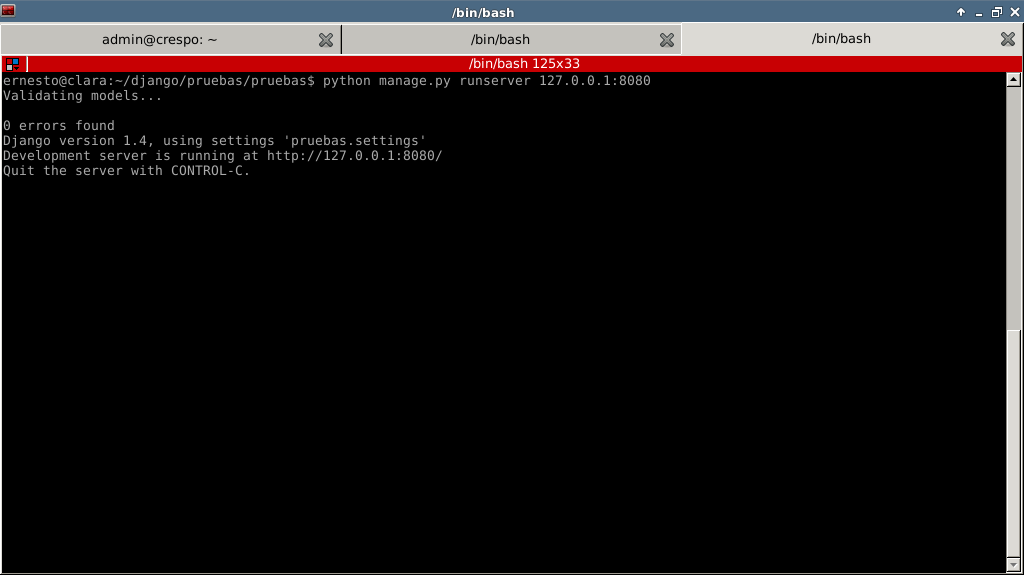
python manage.py runserver ip:puertoThe figure shows the django test server running:
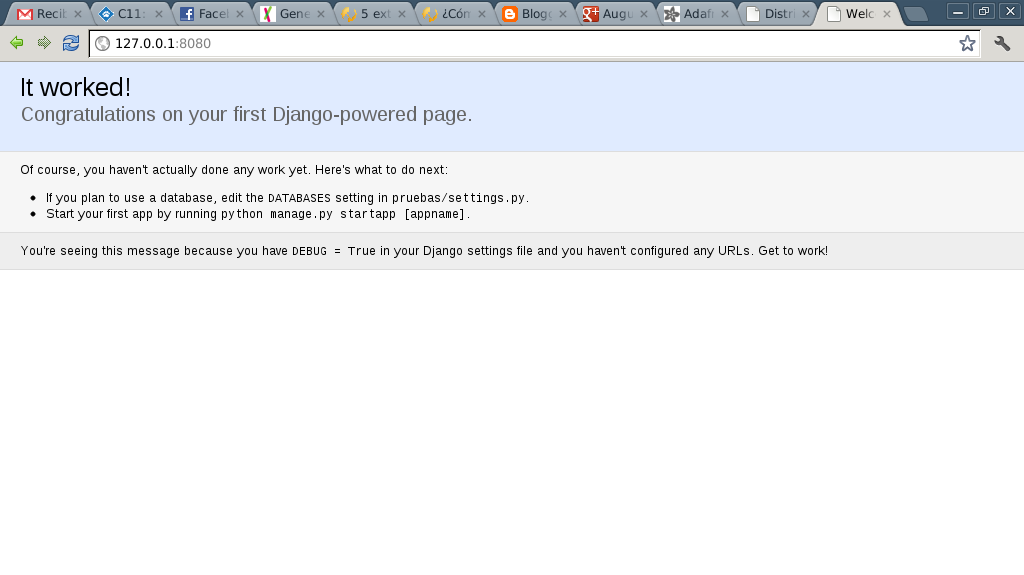
The following figure shows the django server home page in the browser:
Make a donation! If you liked the article you can make a donation with Bitcoin (BTC) using the digital wallet of your choice at the following address: 17MtNybhdkA9GV3UNS6BTwPcuhjXoPrSzV
Or by scanning the QR code from your wallet:
