Returning to the articles about webscraping (you can visit them at the following link).
There is the National Assembly page, which hosts the reports and accounts of the National Executive; you can visit the site at the following link (broken link).
The url is: http://www.asambleanacional.gob.ve//documento/show2/id/64 (broken link).
An image of the page mentioned above is shown below:
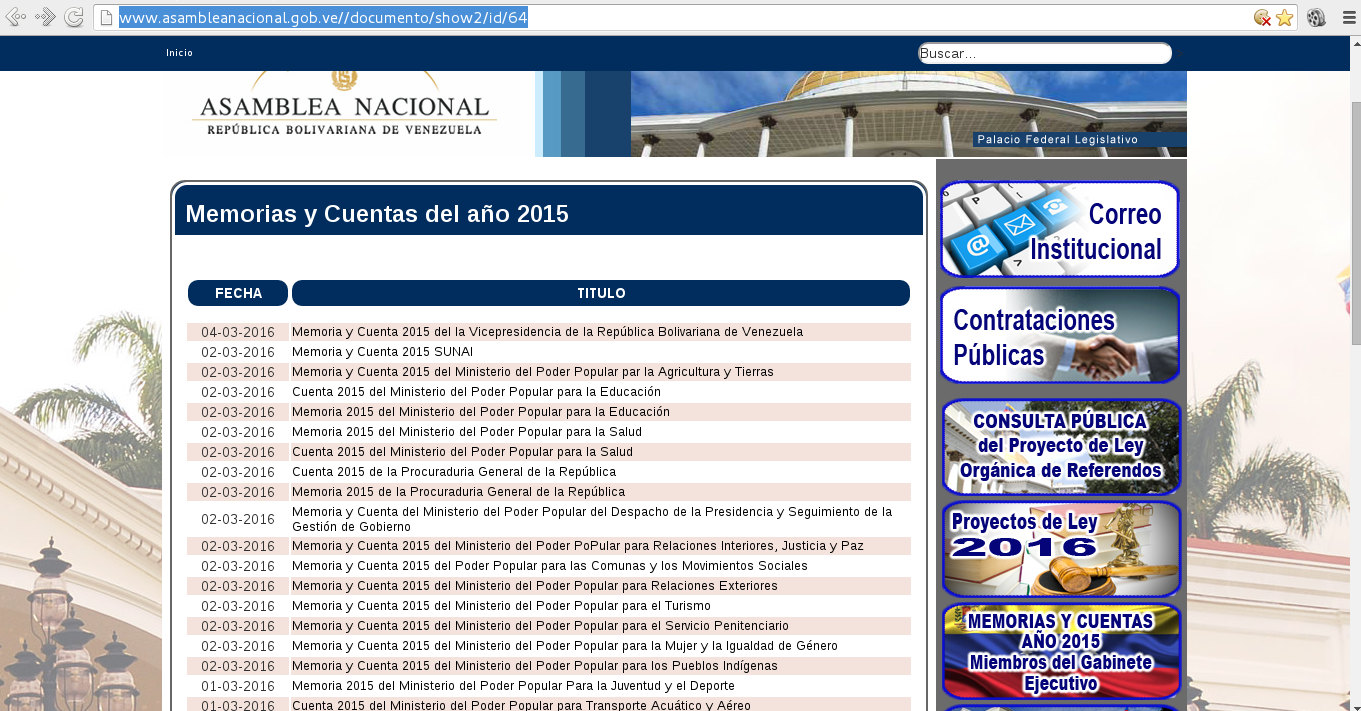
Some of the links are pdf files and others are .tar files.
The idea is to use request and BeautifulSoup to first open the page, then extract the information, reach the links and download the files.
The github repository of the script is at the following link.
The code is shown below:
#!/usr/bin/python3


import requests

from bs4 import *

import sys

import wget


#Entrada del url y del patrón a buscar
url  = input('Enter URL -> ')

pattern = input('Enter search pattern-> ')


#Se lee la página web
html = requests.get(url)


#Se define el directorio donde se descargará los archivos
dir_download = "./download/"


#Si en la página se tiene bad request se sale de la aplicación
if html.text.find("400 Bad Request") != -1:

 print ("Bad Request")

 sys.exit()


#Se instancia BeautifulSoup con el texto de la página web
soup = BeautifulSoup(html.text)


#Se genera una lista de los tags 'a' que tiene la página
tags = soup('a')


#Se recorre los tags buscando si existe el tag href
#Si no existe se busca en el siguiente tag 'a'
#se crea el url a descargar.
#Y se intenta descargar el archivo
for tag in tags:

 url_path = tag.get('href',None)

 text = str(url_path)

 if text.find(pattern) == -1: continue

 domain = url.split("http://")[1].split("/")[0]

 urldownload = "http://" + domain + text

 print ("Retrieve: {0},{1}".format(tag.contents[0],urldownload))

 file =  text.split("/")[-1]

 path_and_file = dir_download + file

 try:

  r = requests.get(urldownload)

  with open(path_and_file, "wb") as f:

   f.write(r.content)

 except ConnectionError:

  print("Can't download file: {0}".format(file))

 except HTTPError:

  print("Can't download file: {0}".format(file))

 f.close()
To run the program:
./pyurldownload_file.py
Enter URL -> http://www.asambleanacional.gob.ve/documento/show2/id/64
Enter search pattern-> documentos
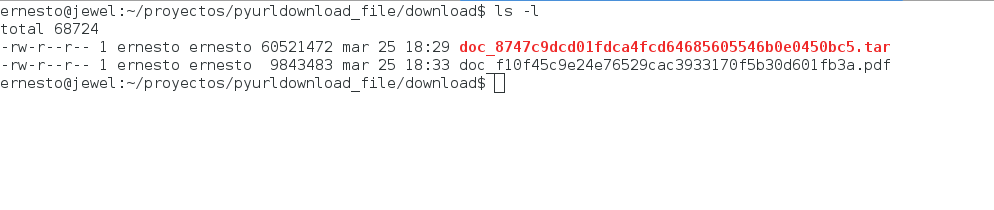
At the end of the script's execution you will have all the .tar and .pdf files of the 2015 report and accounts of the Executive Branch.
The following figure shows the download directory with the first downloaded files:
And the following figure shows one of the files opened with evince:
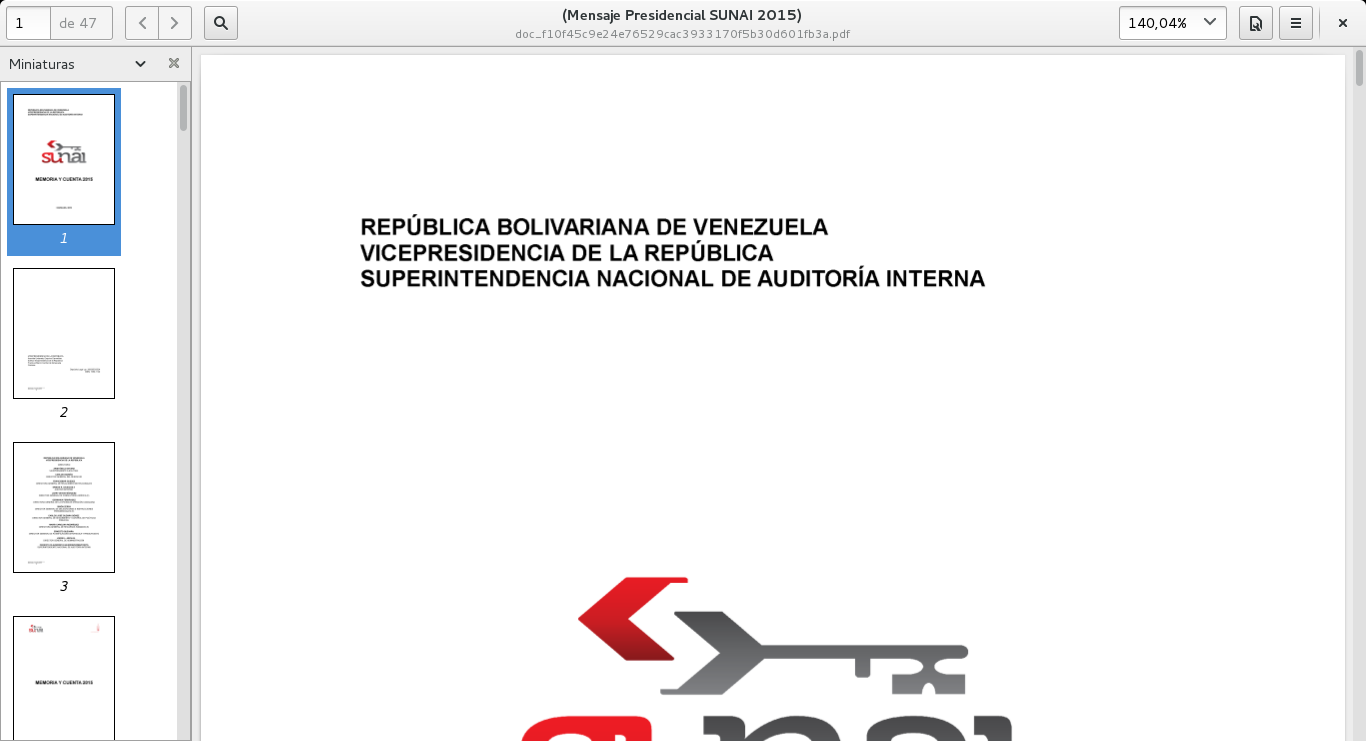
It must be stressed that using the pdf format for data analysis is a crime: although humans can read it, programs struggle to read the content of a pdf, and while it is possible, information is lost.
These reports from institutions and ministries need to be published as data-focused REST APIs (json or xml) directly from those institutions' portals.
This would make it easier to analyze the information in those reports.
In the future the script will use threads in order to speed up the downloading of the files.
Another webscraping example can be found at this link.
Make a donation! If you liked the article you can make a donation with Bitcoin (BTC) using the digital wallet of your choice at the following address: 17MtNybhdkA9GV3UNS6BTwPcuhjXoPrSzV
Or by scanning the QR code from your wallet:
