This article explains the process of sharing files for Android; the English guide can be found on the ASE site.
The process is based on generating a QR barcode. The ZXing project lets you generate barcodes from the internet; you can find the link to generate the code here.
The process for sharing python, perl, tcl, bash, ruby or lua scripts is the following: Generate the QR barcode:
- Go to the ZXing project's online code generator.
- Select text as the content
- In the text field, add the script name on the first line, for example prueba.py
- On the following lines, put the program code
- Select the barcode size L
- Click generate
- Share the barcode image or embed the generated link
Download the script to the phone:
- Run ASE and go back to the list of scripts
- Press the Menu button
- Select add
- Select scan barcode
- Scan the previously generated code and the script will be added to the list of scripts
Keep in mind that the scripts have to be small, since QR only supports 4,296 characters.
Below I add the QR codes of the scripts explained in the previous articles:
- Sending text messages from Android with python
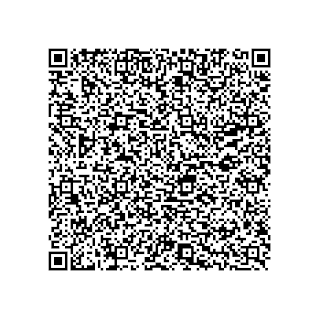
- Sending emails from Android with python.
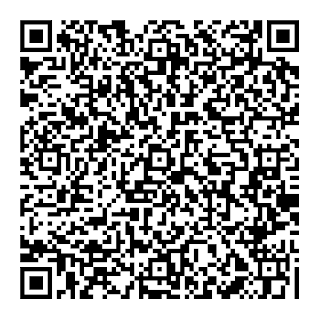
- Barcode reader made in python.
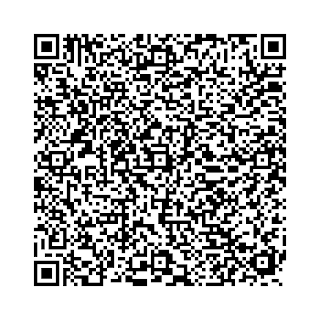
- Scanning wireless networks with python from Android.
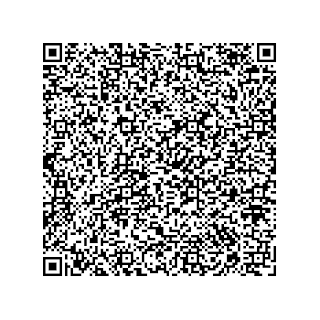
In the following articles about scripts for Android, the QR codes will be included to make the scripts easier to use.
===
Make a donation! If you liked the article you can make a donation with Bitcoin (BTC) using the digital wallet of your choice to the following address: 17MtNybhdkA9GV3UNS6BTwPcuhjXoPrSzV
Or by scanning the QR code from your wallet:
