This article shows how to generate a video using the computer's webcam with python and SimpleCV.
The script simply sets up the video capture and runs a loop where the video is captured and shown on screen. When the space bar is pressed an image is captured and saved, and pressing the Escape key ends the video capture loop.
The code is shown below:
#!/usr/bin/env python

#Se importa cv2.

import cv2

# se crea la instancia de la captura de Video.

video = cv2.VideoCapture(0)

#Se define un ciclo.

while True:

    #Se captura el video de la webcam

    ret,im = video.read()

    #Se muestra el video  donde se pasa im que es la lectura del video de la webcam.

    cv2.imshow('Prueba de video',im)

    #Se captura la tecla de escape del teclado

    tecla = cv2.waitKey(10)

    if tecla == 27:

        #Si es la tecla escape se termina el ciclo

        break

    #Si la tecla es el espacio en blanco se captura una imagen del video.

    if tecla == ord(' '):

        cv2.imwrite('captura_img.jpg',im)
The video is shown below:
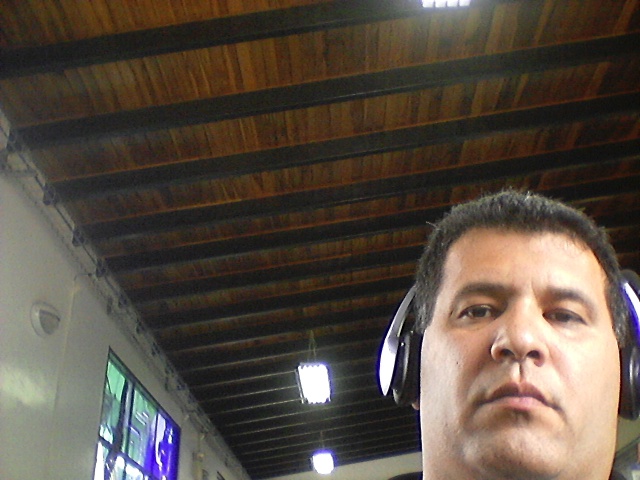
The following image shows the photo captured while recording the video:
Make a donation! If you liked the article you can make a donation with Bitcoin (BTC) using the digital wallet of your choice to the following address: 17MtNybhdkA9GV3UNS6BTwPcuhjXoPrSzV
Or by scanning the QR code from your wallet:
