The previous article explains how to use the computer's webcam to capture an image. This time I explain how to define the size of the image, and now I show how to handle 2 webcams at the same time.
The idea is to capture images from both webcams and then save them in png format.
The application code is the following:
#!/usr/bin/env python

#Importa Camera de SimpleCV

from SimpleCV import Camera

#Se importa sleep de time

from time import sleep

# Se asocia la primera camara con un ancho y alto predefinido.

camara1 = Camera(0,{ "width": 640, "height": 480 })

# Se asocia la segunda camara

camara2 = Camera(1)

# Se captura la imagen de la primera camara y segunda camara

imagen1 = camara1.getImage()

imagen2 = camara2.getImage()

#Se escribe un texto en la primera camara con la posicion dentro de la

#imagen donde va a estar.

imagen1.drawText("Camara 1",160, 120)

#Se escribe un texto en la segunda camara

imagen2.drawText("Camara 2")

#Se muestra ambas imagenes

imagen1.show()

imagen2.show()

#Se salva ambas imagenes

imagen1.save("imagen1.png")

imagen2.save("imagen2.png")
The images captured by the 2 webcams are shown below: Webcam 1:
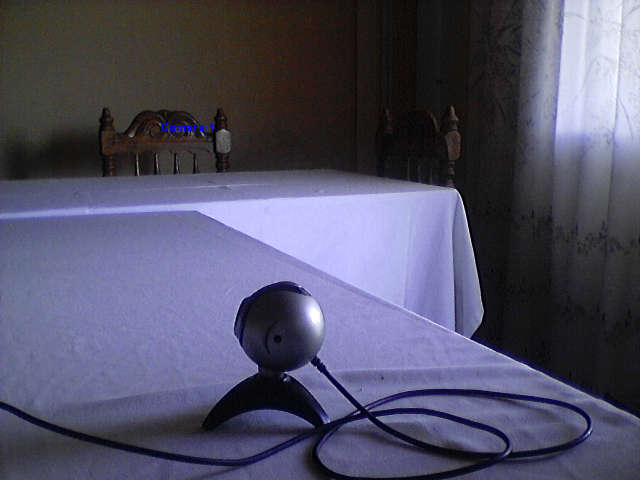
Webcam 2:
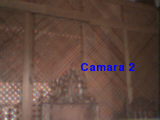
Make a donation! If you liked the article you can make a donation with Bitcoin (BTC) using the digital wallet of your choice at the following address: 17MtNybhdkA9GV3UNS6BTwPcuhjXoPrSzV
Or by scanning the QR code from your wallet:
